Service manual WM25
9
Variant settings
The variable settings below can only be made on a replacement card
Total reset
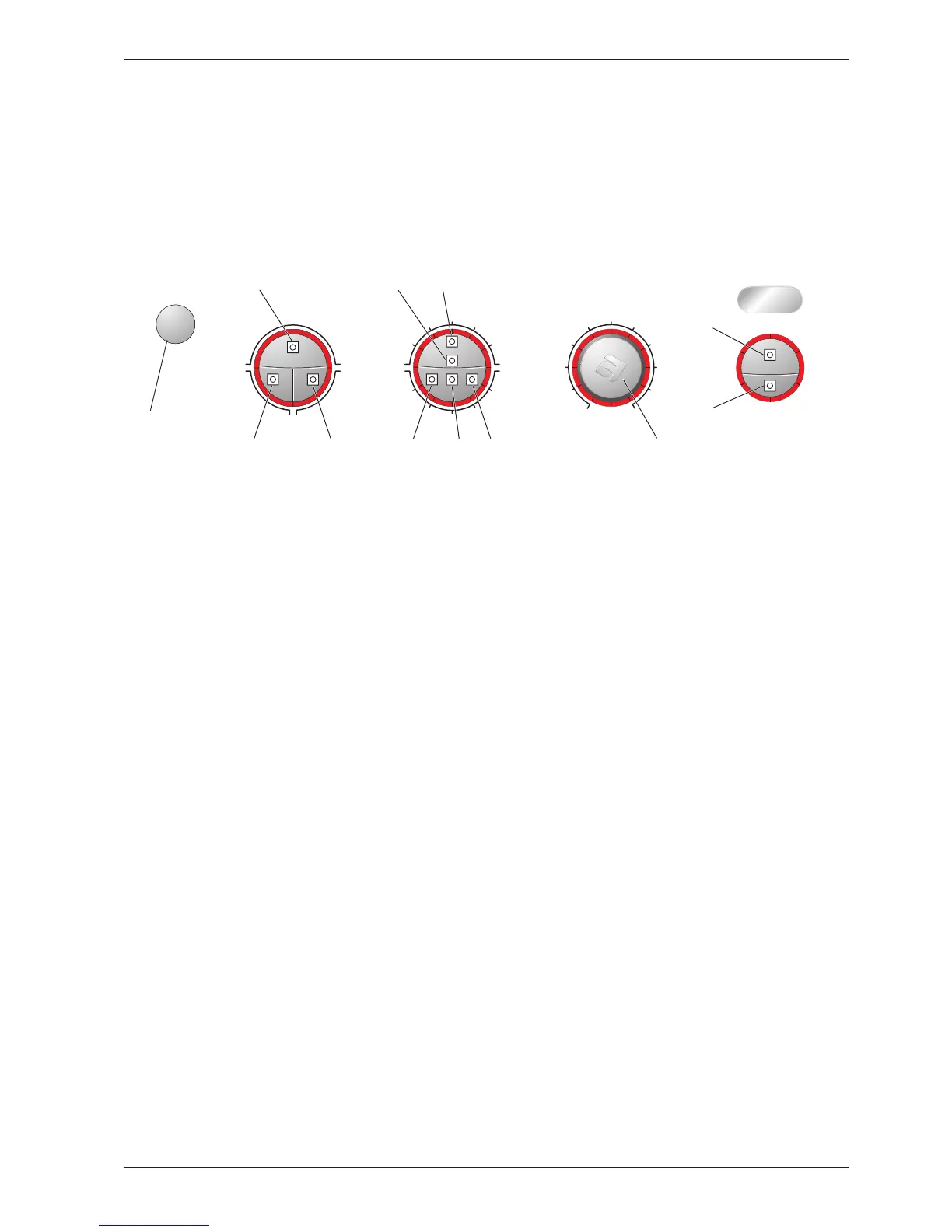
1. Hold the start/stop button (S1) in when you switch on the main power switch until an LED on the panel
lights.
Number of rinses
1. Hold both the start/stop button (S1) and door open button (S2) pressed in when you switch on the
main power switch until L7 – L16 flash.
2. Change the number of rinses by pressing the door open button (S2) repeatedly.
L1 – L3 light for three rinses. L1 – L5 light for 5 rinses.
3.
Confirm your selection by pressing the start/stop button (S1).
Automatic door opening
1. Hold the door open button (S2) pressed in when you switch on the main power switch until L7 – L16
flash.
2. Change the setting by pressing the door open button (S2). L3 and L4 light when automatic door open-
ing is selected.
3.
Confirm your selection by pressing the start/stop button (S1).
Super rinse or Delayed Start
1. Hold S5 or S6 pressed in when you switch on the main power switch until L7 – L16 flash.
2. Change the setting by pressing S5 or S6. All LEDs L19 – L30 light for delayed start.
3. Confirm your selection by pressing the start/stop button (S1).
Temperature/Spin speed or Stain/Super rinse
1. Hold S4 pressed in when you switch on the main power switch until L7 – L16 flash.
2. Change the setting by pressing S4. All LEDs L19 – L30 light for Stain/Super rinse.
3. Confirm your selection by pressing the start/stop button (S1).
The control unit automatically senses and adapts to the panel layout and machine model when you press
the S4 or S5 button.



 To Next Page