Installing the Asoka PlugLink Ethernet Wall Mount (PL9620-ETH)
What This Package Contains
When you receive your PL9620-ETH, check to be sure your package contains:
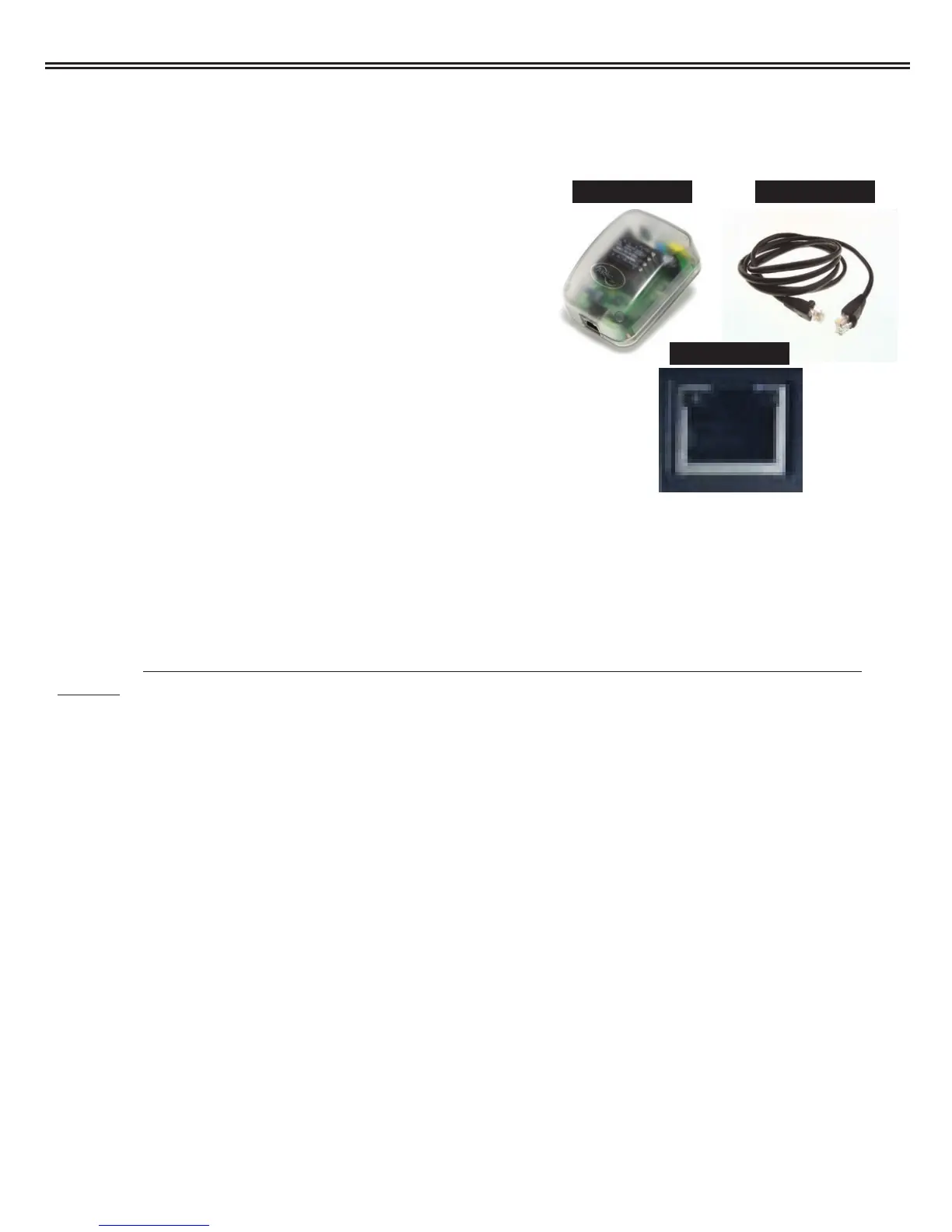
• Ethernet to Powerline Wall Mount (PL9620-ETH)
• 6 ft Ethernet Cable
• Installation CD
• User’s Manual and Quick Start Guide
System Requirements for PL9620-ETH
• Computer with an Ethernet Network Interface Card (NIC)
• 32 MB of RAM
• 10 MB of available hard disk space
• CD-ROM Drive
• Windows 98SE, ME, 2000, XP Operating System
Important: After receiving the PL9620-ETH, check for any shipping damages to on the
carton and the system unit before proceeding with any installations. Inspect the cartons
for any obvious damages before unpacking.
Installing Your PL9620-ETH:
Caution! Connecting the Ethernet Wall Mount to a router, network printer or other networked
device. If the Asoka PlugLink device is going to be connected to something other than a comput-
er, such as a Router, Broadband modem, etc., no software needs to be installed. Simply plug
the Asoka PlugLink Ethernet Wall Mount into a LAN port of the other network device and plug
the PL9620-ETH in an AC socket. No further installation is needed for this device.
Ethernet CablePL9620-ETH
Ethernet Port
Asoka™ PlugLink™ Wall Mount Users Manual
13



 To Next Page