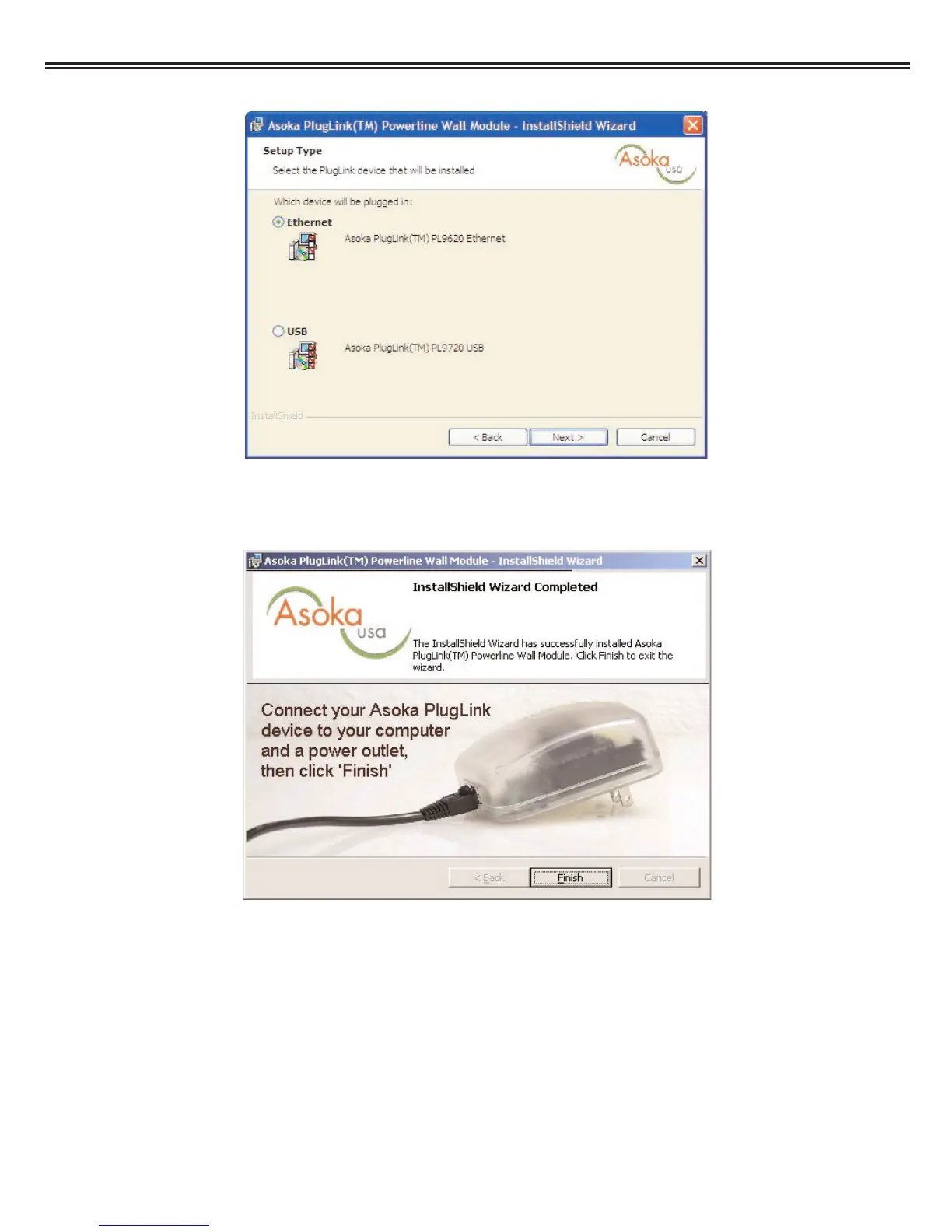
4. Select 'Ethernet' as shown. Click 'Next' to continue.
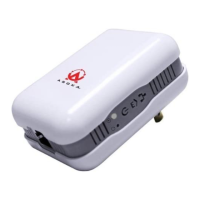
5. It is now time to connect your Asoka™ PlugLink™ device. Plug the PL9620-ETH into an AC outlet
(no power strip or extension cord). Plug the supplied Ethernet cable into the PL9620-ETH and the
Ethernet card on your PC. Click 'Finish' when the device is plugged in.
6. Reboot the computer when prompted. When the computer has started, the Asoka™
PlugLink™ PL9620 Ethernet Wall Mount is ready to use.
Asoka™ PlugLink™ Wall Mount Users Manual
15



 To Next Page