It Works But It Is Slow.
A slow connection is almost always due to a poor electrical connection.
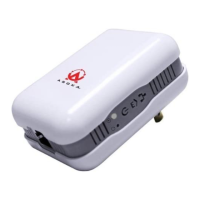
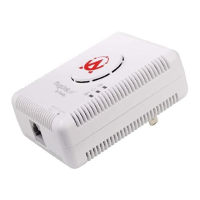
• Make sure the device is connected straight into the socket and not a power splitter or
extension cord.
• Try another outlet.
If all of the above fails, please call Asoka Technical Support at (650) 591-3189 or send us an e-
mail to at support@asokausa.com.
Asoka™ PlugLink™ Wall Mount Users Manual
26



 To Next Page