-
11
-
Installing battery and sim:
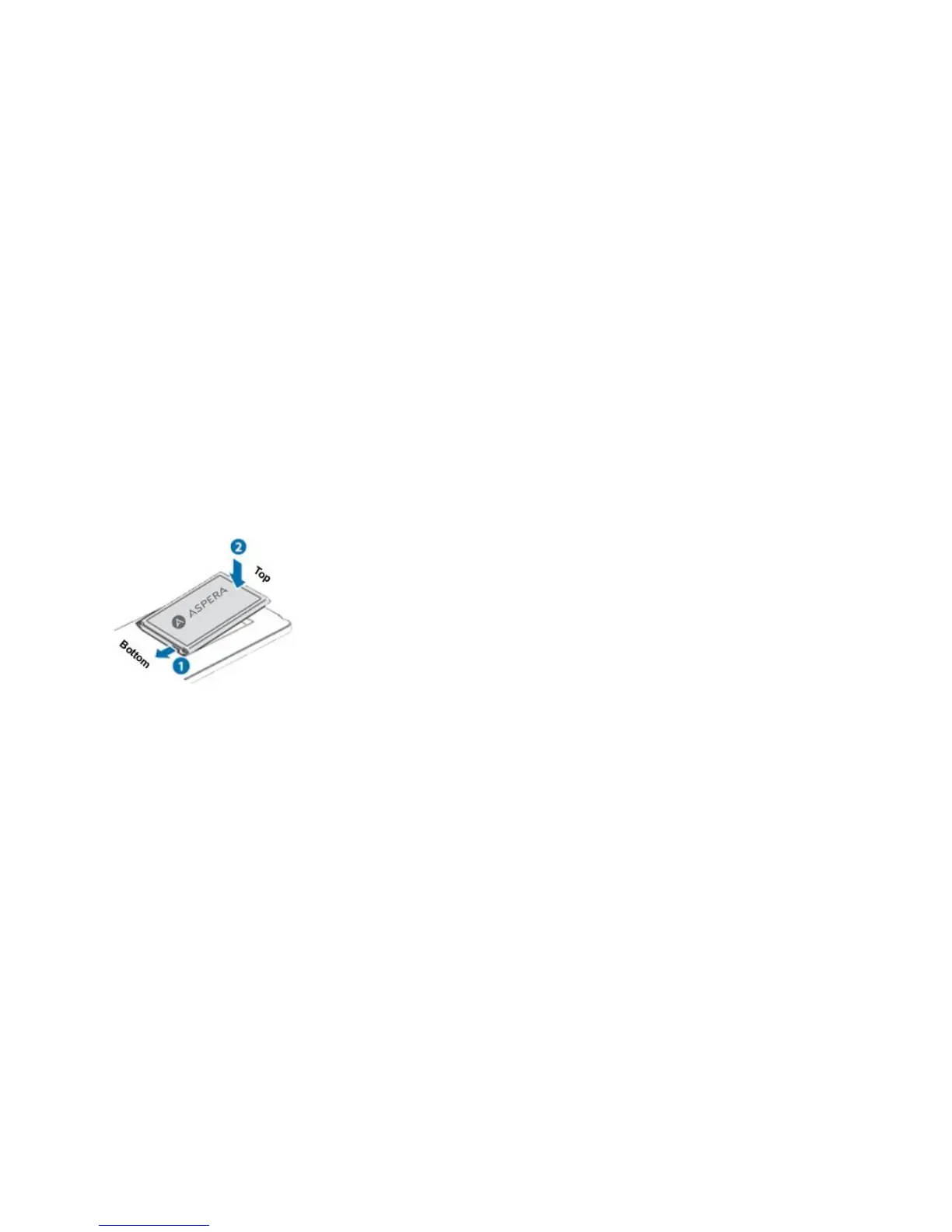
4) Pull the battery up from the top left and then lift the battery away.
5) Insert the SIM card into the SIM card slot lightly with the corner cutting of the card aligning to the
notch of the slot and the gold plate of the card facing downward aligning the sim card connectors with
those of the phone.
6) With the metallic contacts of the battery facing the metallic contacts in the battery slot, press the
battery down until it locks into place. You can then re-install the back cover.
The mobile phone and the SIM cards support passwords, to prevent the phone and the SIM cards from
unauthorized usage. When you are prompted to input any of the codes mentioned below, just input the correct
code and then press the ok key. If you input a wrong code, press the Right soft key to clear it and then input
the correct code.



 To Next Page