Getting Started
Removing back of the phone
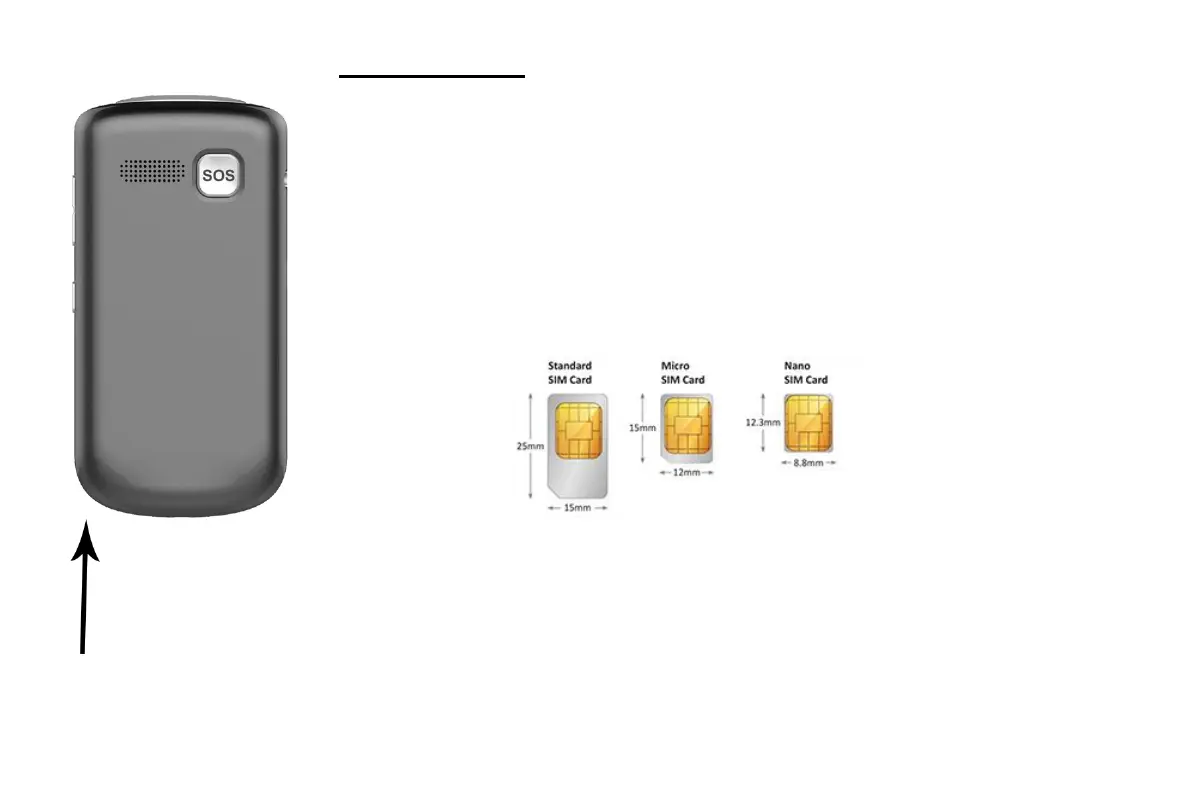
The indent to remove the back cover can be found in the bottom left-hand corner of
the back cover, as indicated in the diagram to the left.
Apply firm but gentle pressure to remove the cover.
Inserting SIM card
The Aspera F40 takes a nano-SIM, please see the diagram below for sizing
information.
Unlock the SIM holder by sliding it to the right. Lift it and leave it to the right.
Place the nano-SIM into the slot, matching the angled corner in the top right-hand
corner.
Replace the SIM holder by flipping it over the SIM card and sliding to the left to
lock the SIM in position.



 To Next Page