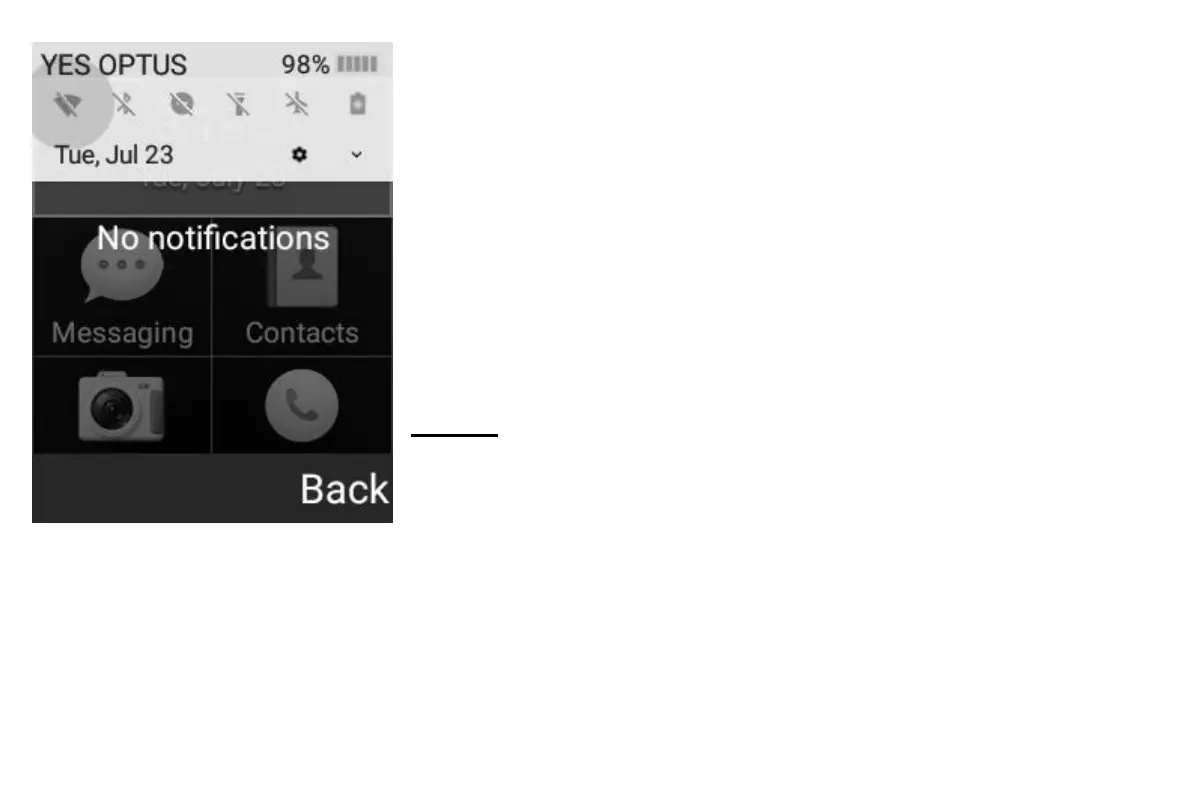
Quick Settings and Notifications
You can quickly access common settings such as Wi-Fi, Bluetooth, Flashlight,
and Mobile Data by holding down the top left-hand context key for three
seconds. You can also see your notifications and access these from this
screen.
You can highlight these options by using the arrow keys to select between the
different options.
To enable/disable these, press the Select key once the option is highlighted.
To enter into the advanced settings for the common settings, highlight the
icon, then press and hold the Select key for three seconds.
Calling
Dialling a number
To dial a number that is not on your contact list:
Open the phone to the landing screen
Enter the number you wish to dial with the numbers on the keypad
Once this number is correct, press the green “Dial” button
To dial a number that is on your contact list:
Open the phone to the Landing screen
Use the arrow keys and Select key to Select “Contacts”
Select option 1 – “Search contacts”



 To Next Page