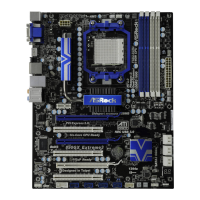
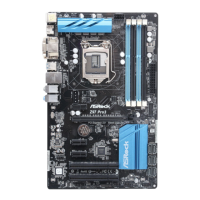
2626
2626
26
CrossFire Bridge
Step 3. Connect the DVI monitor cable to the DVI connector on the Radeon graphics
card on PCIE2 slot. (You may use the DVI to D-Sub adapter to convert the
DVI connector to D-Sub interface, and then connect the D-Sub monitor
cable to the DVI to D-Sub adapter.)
Step 2. Connect two Radeon graphics cards by installing CrossFire Bridge on
CrossFire Bridge Interconnects on the top of Radeon graphics cards.
(CrossFire Bridge is provided with the graphics card you purchase, not
bundled with this motherboard. Please refer to your graphics card vendor
for details.)
or


 To Next Page
 Loading...