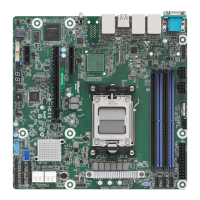
B650D4U
B650D4U-2L2T
B650D4U-2L2T/BCM
82 83
English
3.5.1 BMC Network Conguration
Bonding Setting
Use this item to enable or disable bonding. If you want to enable bonding, please enable all
Lan channels rst.
BMC Out of Band Access
Use this item to enable or disable BMC Out of band Access.
Lan channel (Failover)
Manual Setting IPMI LAN
If [No] is selected, the IP address is assigned by DHCP. If you prefer using a static IP
address, toggle to [Yes], and the changes take eect aer the system reboots. e default
value is [No].
Conguration Address Source
Select to congure BMC network parameters statically or dynamically(by BIOS or BMC).
Conguration options: [Static] and [DHCP].
Static: Manually enter the IP Address, Subnet Mask and Gateway Address in the BIOS for
BMC LAN channel conguration.
DHCP: IP address, Subnet Mask and Gateway Address are automatically assigned by the
network's DHCP server.



 To Next Page