28
English
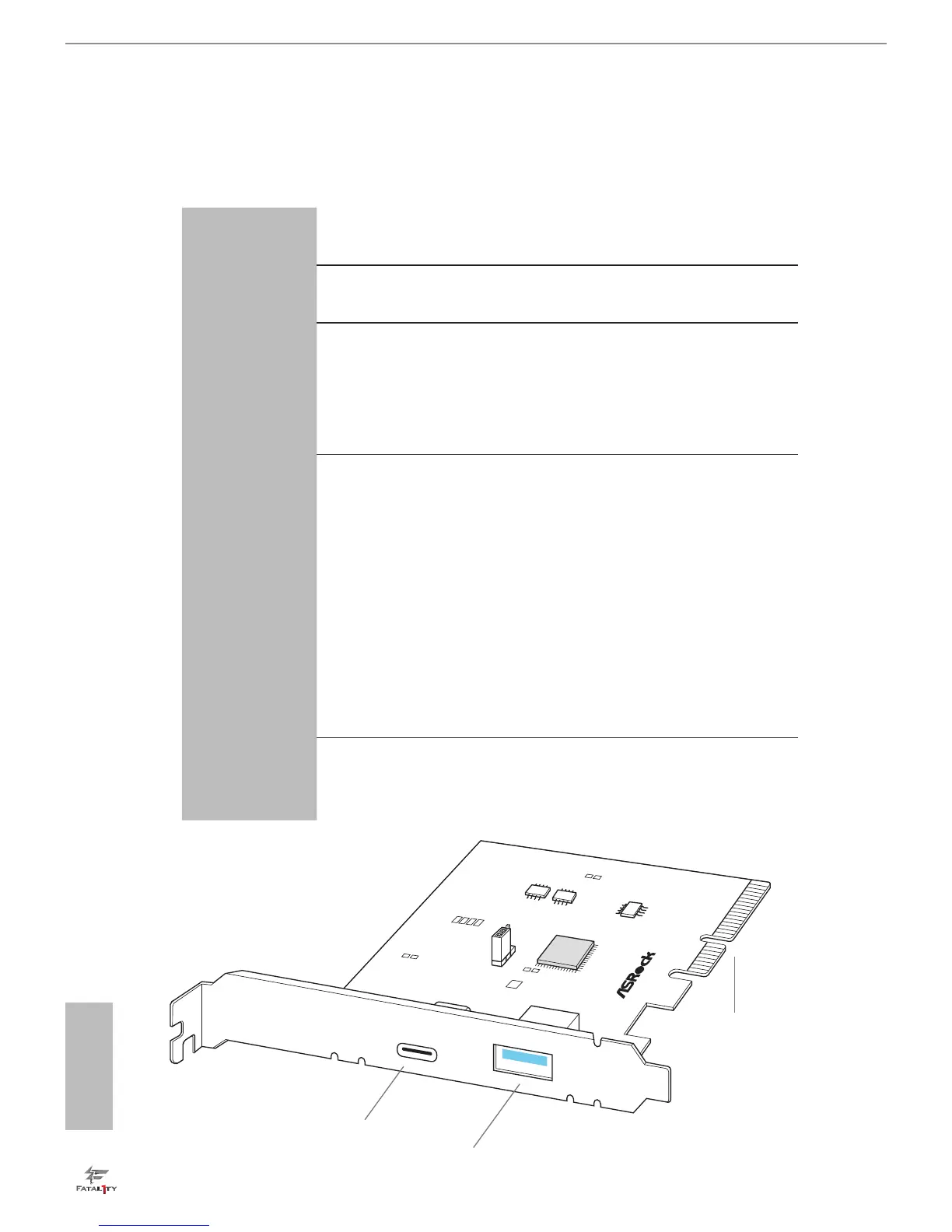
2.9 ASRock USB 3.1/A+C Installation Guide
Specications
Platform
•
Size: 3.1-in x 3.2-in, 7.9 cm x 8.1 cm
Controller
•
ASMedia ASM1142 Controller
PCIE
•
PCI Express x4 Connector (x2 lane)
•
Compliant with PCI Express 1.1, 2.0 and 3.0 specications
•
Supports data rates up to 10 Gbps
•
Compliant with x4, x8 or x16 PCI Express Slots
Connector
•
1 x USB 3.1 Type-A Port (Supports ESD Protection (ASRock
Full Spike Protection))
* For charging Type-A USB devices, we suggest using the Type-A
connectors on your motherboard.
•
1 x USB 3.1 Type-C Port (Supports ESD Protection (ASRock
Full Spike Protection))
* is port supports power outputs up to 5V/3A. For charging Type-C
USB devices, the device should support Type-C standards to adjust the
current because it will be dierent in Power On state (3 Amp) and Sleep
state (1 Amp).
* Some Type-C USB devices may only be charged by its own adapter.
OS
•
Microso® Windows® 8.1 32-bit / 8.1 64-bit / 8 32-bit / 8 64-
bit / 7 32-bit / 7 64-bit
U
S
B
3
.1
/A
+
C
J
1
PCI Express x4 Connector
(
x2 lane)
USB 3.1 Port (Type-A)
USB 3.1 Port (Type-C)



 To Next Page
 Loading...










