30
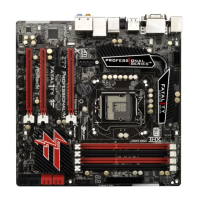
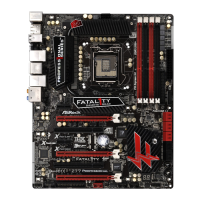
Fatal1ty Z77 Professional Series Motherboard
English
CrossFire
TM
Bridge
Step 5. Connect the DVI monitor cable to the DVI connector on the Radeon graph-
ics card on PCIE2 slot. (You may use the DVI to D-Sub adapter to convert
the DVI connector to D-Sub interface, and then connect the D-Sub monitor
cable to the DVI to D-Sub adapter.)


 To Next Page
 Loading...