19
Chapter 6 Detaching the Stand (for VESA
Wall Mount)
⚠
Important
Avoid damaging the monitor surface. While detaching the monitor stand, always keep
the monitor inside its EPS packaging.
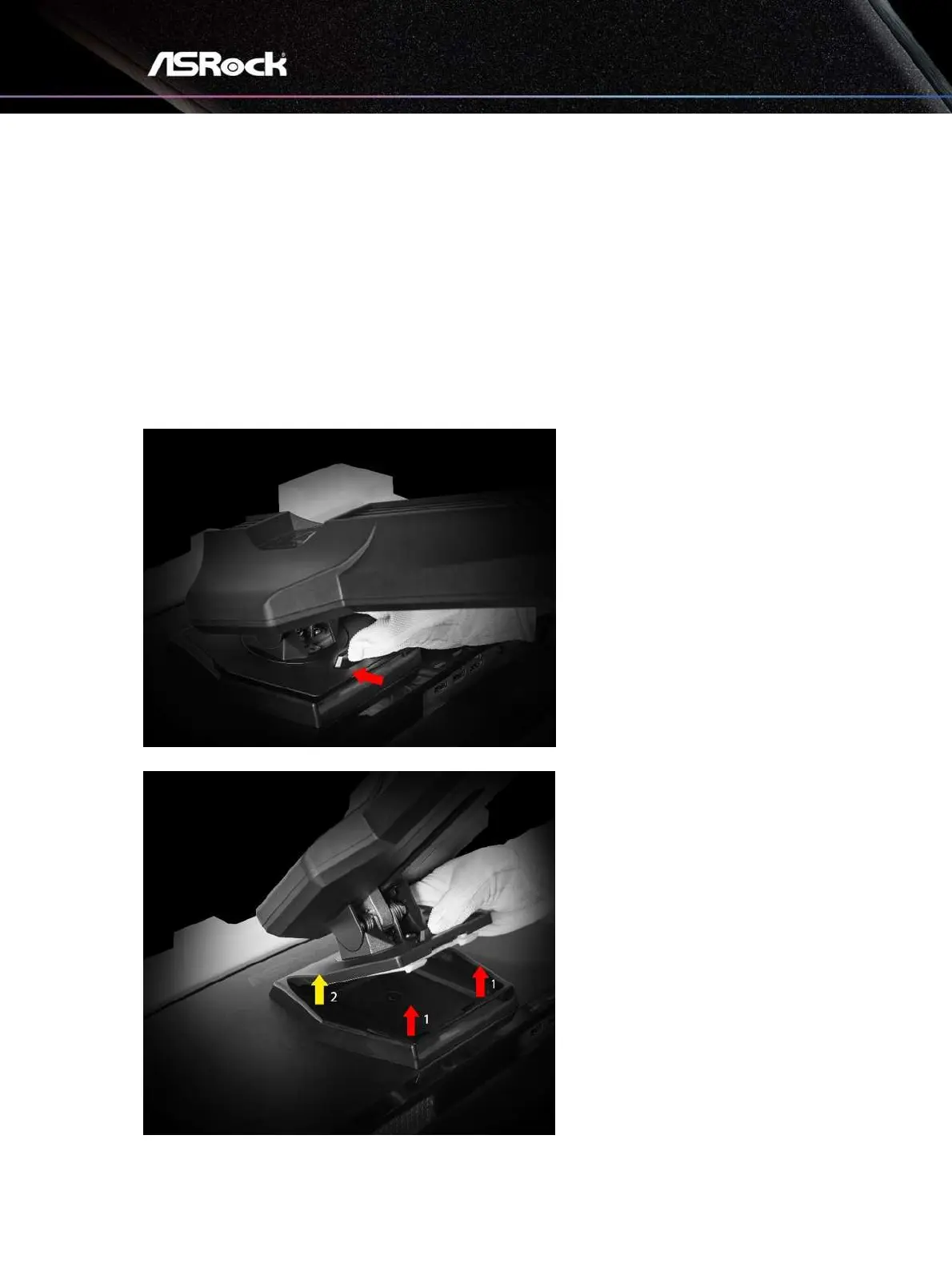
1.
Disconnect power and signal cables. Carefully put the monitor face down on its EPS
packaging
2.
Press the Push-Button.
3.
Lift the stand and Detach it from the VESA Adapter.



 To Next Page