8
Operation
❶ Installaon
❷ Use
Connecting to the Fluidra Pool app
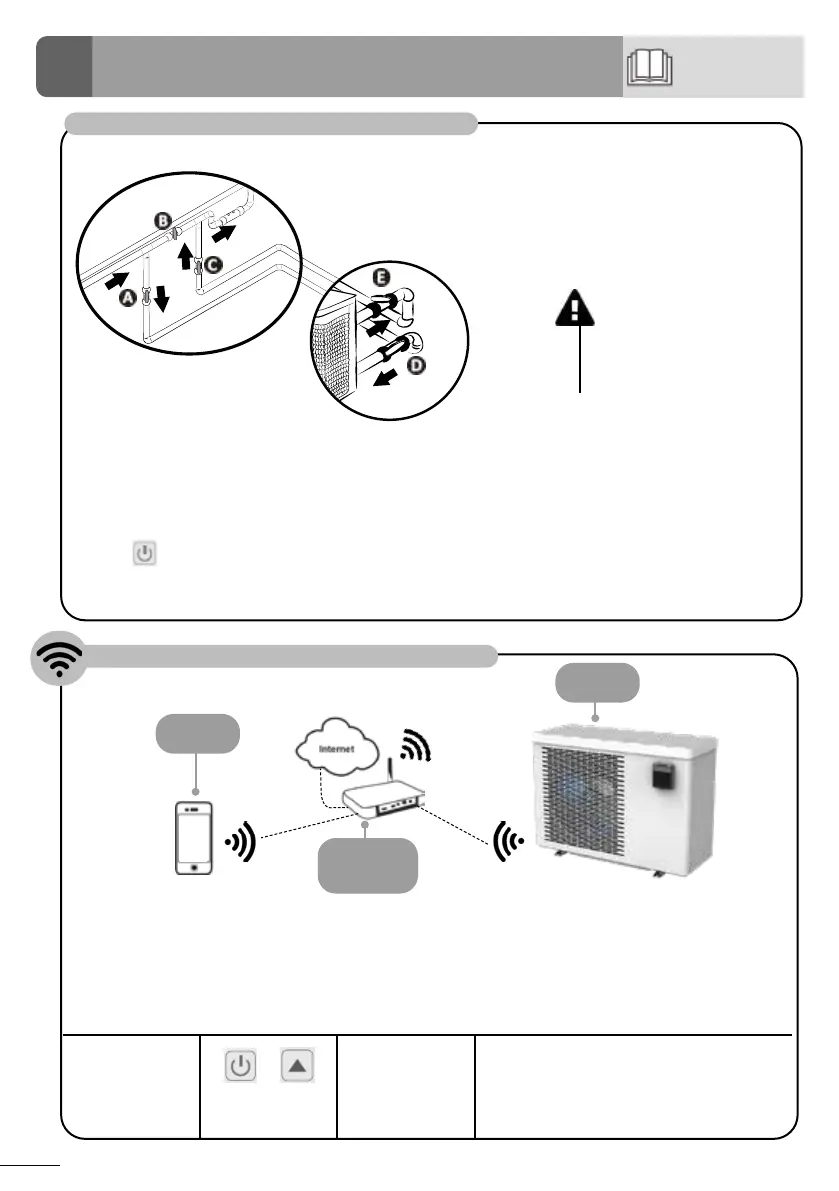
Open the hydraulic circuit
• Close valve B gradually.
• Open valves A, C and D fully. Open valve E by half (the air built up in the condenser and the ltraon circuit
will bleed out). If valves D and E are not present, open valve A wide and close valve C by half.
• Connect the power supply to the heat pump.
• Press to acvate the pump: Adjust the clock and select an operang mode.
• Set the desired temperature.
The heat pump can be remotely controlled from a smartphone or tablet, via the Fluidra Pool app available for
iOS and Android systems. Before connecng to the Fluidra Pool app, ensure that you:
• Use a Wi-Fi-enabled smartphone or tablet.
• Use a Wi-Fi network with a reasonably strong signal when connecng to the heat pump: the Wi-Fi signal
must be detectable at the place where the appliance is used. If this is not the case, a technical soluon
must be provided to amplify the exisng signal.
• Rest close to the appliance and have your home Wi-Fi network password at the ready .
Download the
Fluidra Pool app
(QR code on
the back of the
product)
+
Press and hold 5
seconds
“SET” ashes
Open the applicaon and follow the steps
described in the app to add the heat pump.
CAUTION : An incorrect
by-pass seng may
cause the heat pump to
malfuncon.
Mobile
device
Home Wi-Fi
network
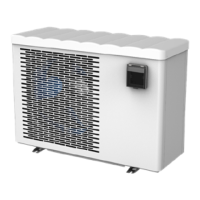
Heat pump
5





 To Next Page