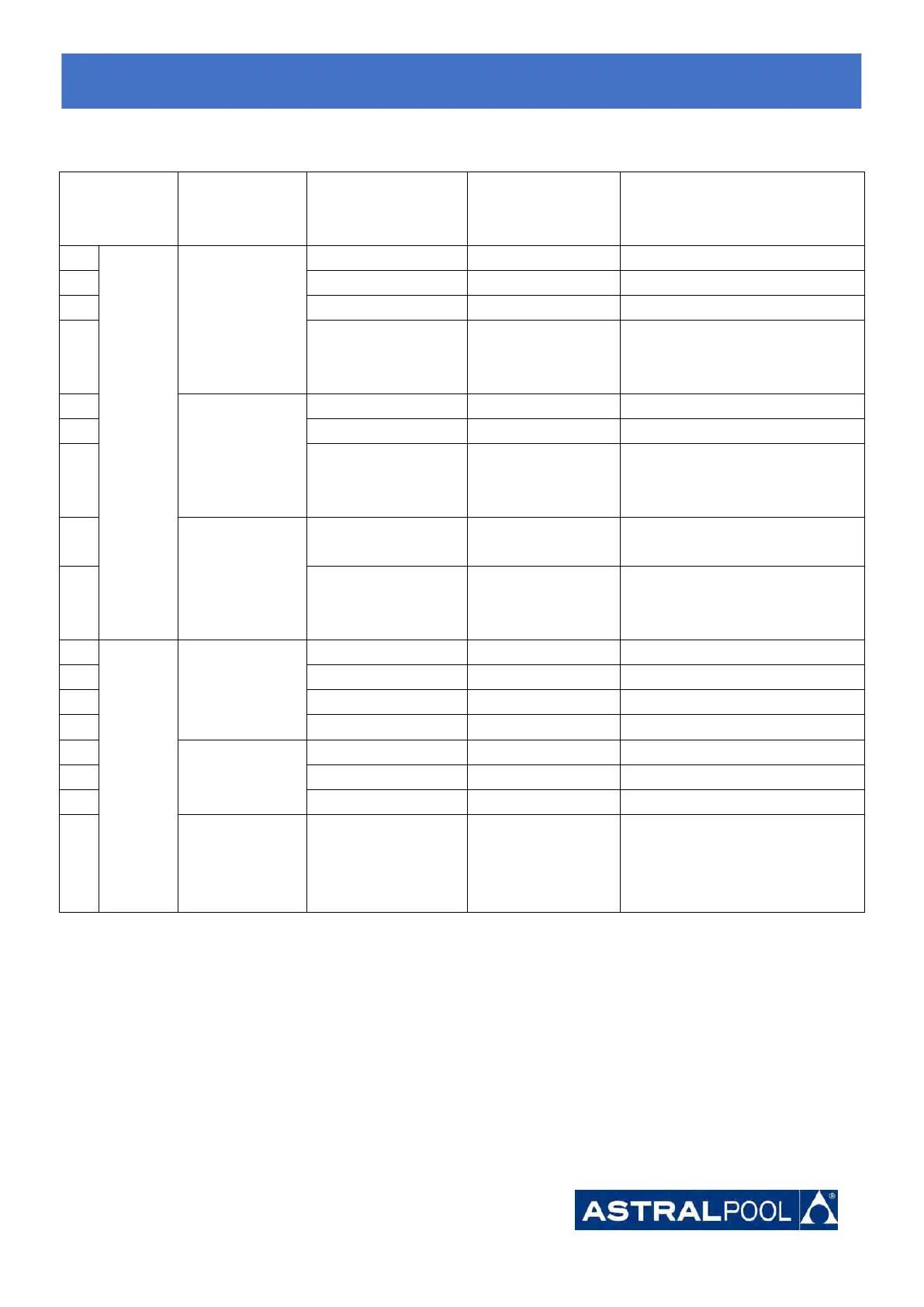
7.3 Heating operation logic
For example ,
water in
temperature-T1
When you
select the
"Smart
working mode "
Powerful mode-frequency F9
Frequency:F9 -F8-F7,...,-F2
HP will be in Standby, stop
working until the water
temperature drops to less 28℃.
When you
select
the "Silent
working mode".
Smart mode -frequency F5.
Silent mode-frequency F2/F1.
HP will be in Standby, stop
working until the water
temperature drops to less 28℃.
When you
select
the "Powerful
working mode."
Powerful mode-frequency
F10/F9
HP will be in Standby, stop
working until the water
temperature drops to less 28℃.
Re-start
to
heat
water in
standby
status
When HP is
working at "
Smart mode"
Frequency: F2 -F3-F4,...,-F9
When HP is
working at "
Silent mode"
Silent mode-frequency F2/F1
When HP is
working at "
Powerful
mode"
Powerful -frequency F10/F9
7.
7.
7.
Start-up
Start-up
Start-up
of
of
of
the
the
the
Heat
Heat
Heat
Pump
Pump
Pump




 To Next Page