• Connect the test leads to both ends of the circuit or resistor
under test (connect the leads to the resistance under test in
parallel)
• After the reading stabilizes, record the reading from the LCD
screen
• Turn the rotary switch to the OFF position to turn off the
Meter.
RESISTANCE NOTES
• Do not change the resistance while taking a measurement.
Doing so may damage the Meter and affect the test results.
• Do not test parallel circuits. The accuracy of the
measurement will be affected, and the results may not be
accurate.
• Do not directly measure the internal resistance of
micrometers, galvanometers, batteries, and other
instruments
IV.MEASURING CAPACITANCE
• Insert the red test lead into the INPUT terminal and the
black test lead into the COM terminal.
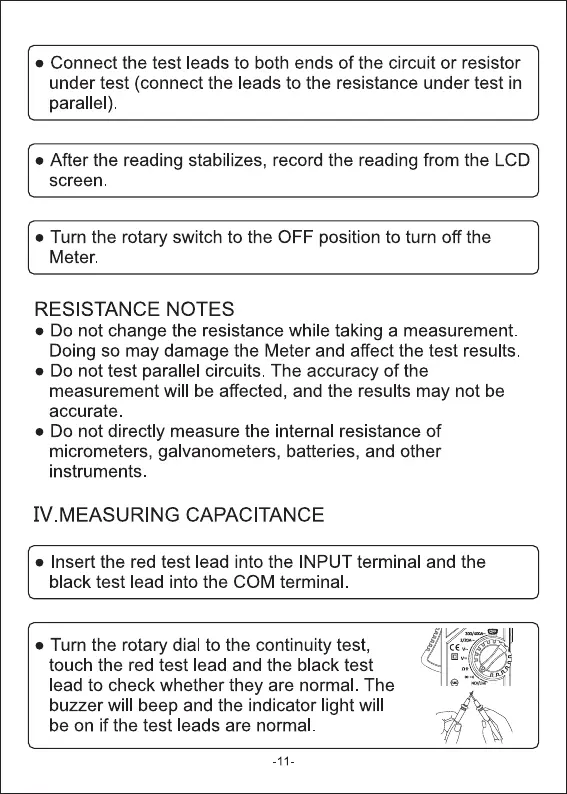
• Turn the rotary dial to the continuity test,
touch the red test lead and the black test
lead to check whether they are normal. The
buzzer will beep and the indicator light will
be on if the test leads are normal.
-11


 To Next Page
 Loading...




