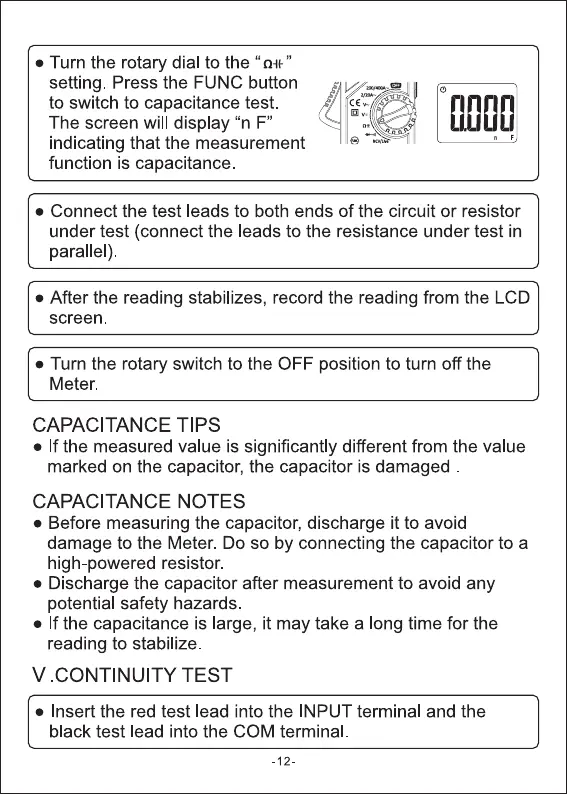
• Turn the rotary dial to the "
setting. Press the FUNC button
to switch to capacitance test.
The screen will display "n F"
indicating that the measurement
function is capacitance.
• Connect the test leads to both ends of the circuit or resistor
under test (connect the leads to the resistance under test in
parallel)
• After the reading stabilizes, record the reading from the LCD
screen
• Turn the rotary switch to the OFF position to turn off the
Meter.
CAPACITANCE TIPS
• If the measured value is significantly different from the value
marked on the capacitor, the capacitor is damaged
CAPACITANCE NOTES
• Before measuring the capacitor, discharge it to avoid
damage to the Meter. Do so by connecting the capacitor to a
high-powered resistor.
• Discharge the capacitor after measurement to avoid any
potential safety hazards
• If the capacitance is large, it may take a long time for the
reading to stabilize.
V CONTINUITY TEST
• Insert the red test lead into the INPUT terminal and the
black test lead into the COM terminal
-12-


 To Next Page
 Loading...




