MAXIMIN
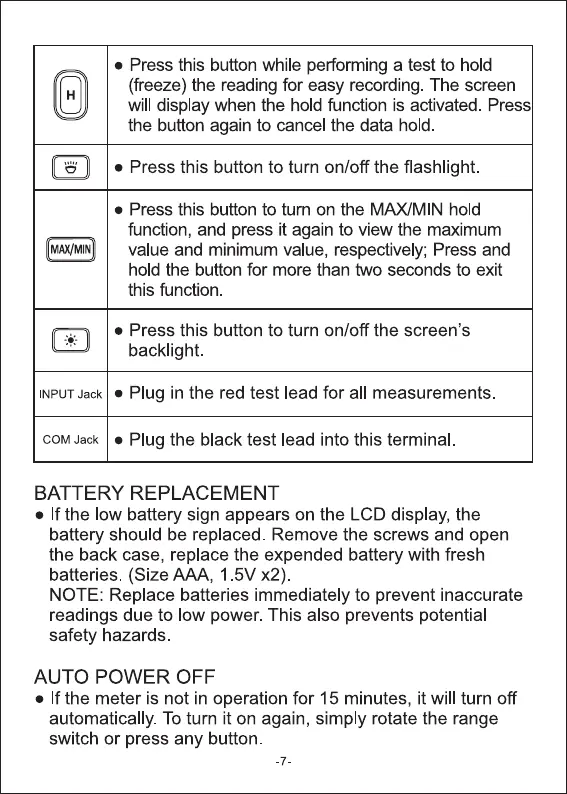
• Press this button while performing a test to hold
(freeze) the reading for easy recording. The screen
will display when the hold function is activated. Press
the button again to cancel the data hold.
• Press this button to turn on/off the flashlight.
• Press this button to turn on the MAXIMIN hold
function, and press it again to view the maximum
value and minimum value, respectively; Press and
hold the button for more than two seconds to exit
this function
• Press this button to turn on/off the screen's
backlight.
INPUT Jack • Plug in the red test lead for all measurements.
COM Jack • Plug the black test lead into this terminal.
BATTERY REPLACEMENT
• If the low battery sign appears on the LCD display, the
battery should be replaced. Remove the screws and open
the back case, replace the expended battery with fresh
batteries. (Size AAA, 1 5V x2)
NOTE: Replace batteries immediately to prevent inaccurate
readings due to low power. This also prevents potential
safety hazards
AUTO POWER OFF
• If the meter is not in operation for 15 minutes, it will turn off
automatically. To turn it on again, simply rotate the range
switch or press any button



 To Next Page