15
English
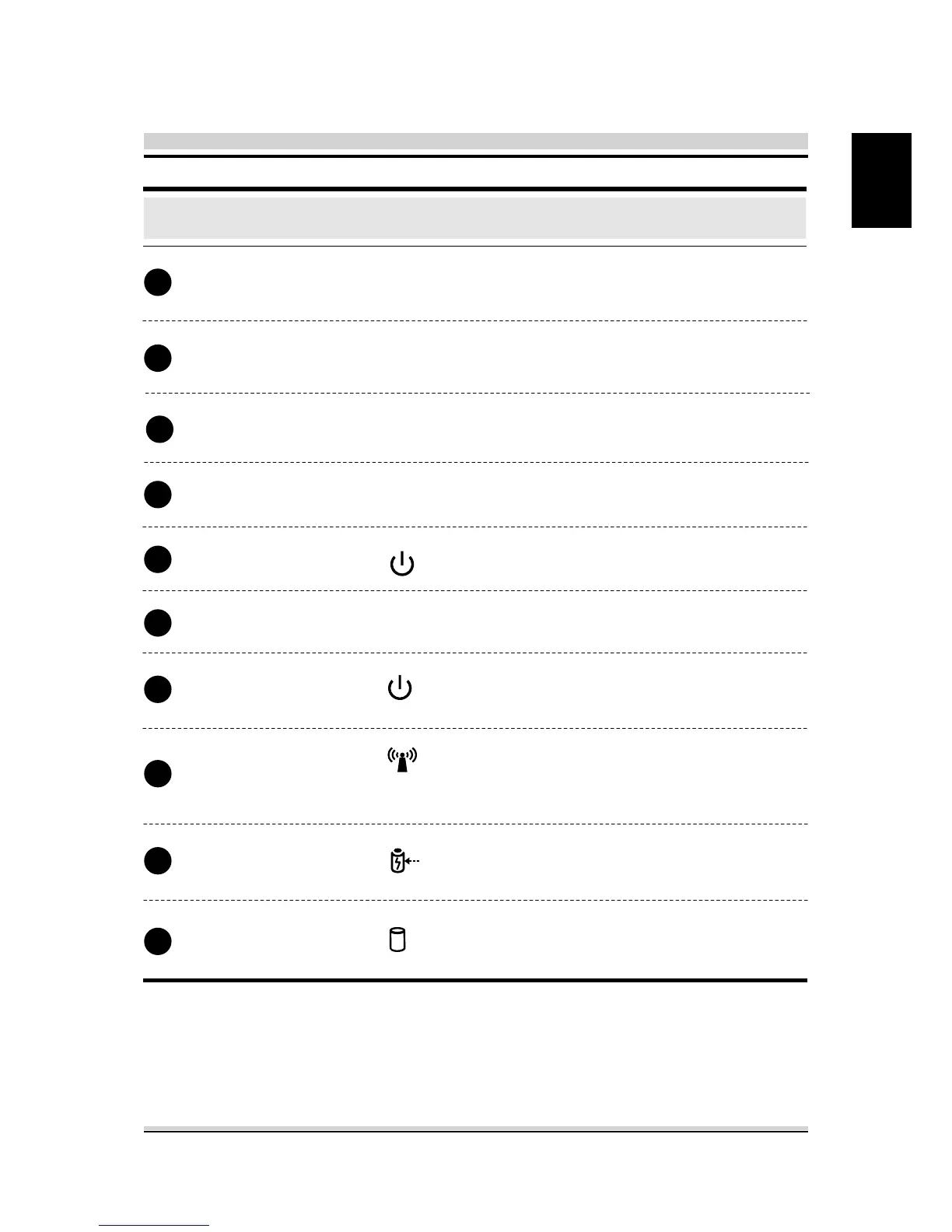
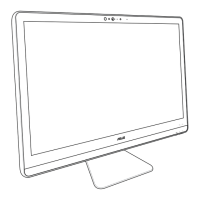
Webcam
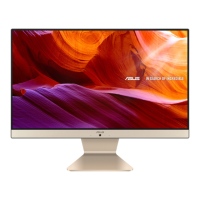
LCD screen
Function Description
Top Side Components
The built-in Webcam allows picture
taking or video recording.
Displays of your AIO PC.
Power Button
Power Status LED
RF Status LED
Battery Status LED
HDD Status LED
Turns on the power of your AIO PC.
The Battery indicator shows the
Battery status.
The Power indicator shows the
Power status.
The RF indicator shows the RF status.
The HDD indicator shows the HDD
status.
Built-in microphone.
Microphone
Stereo speakers
Produce stereo sound.
The CCD indicator shows the CCD
status.
CCD LED light
(Wireless LAN / Bluetooth) (Optional)
5
4
3
1
6
7
2
7
7
7






 To Next Page