23
English
3.5 Cleaning the screen
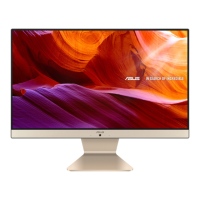
Follow these rules for cleaning the outside and handling your screen
on the computer :
1. Turn o the system and disconnect all cables.
2. Use a damp, or cleaning cloth, soft, lint-free cloth with gentle
water only and gently wipe the screen surface.
3. Do not spray liquid directly on the screen.
3.6 How to use Touch Panel (Optional)
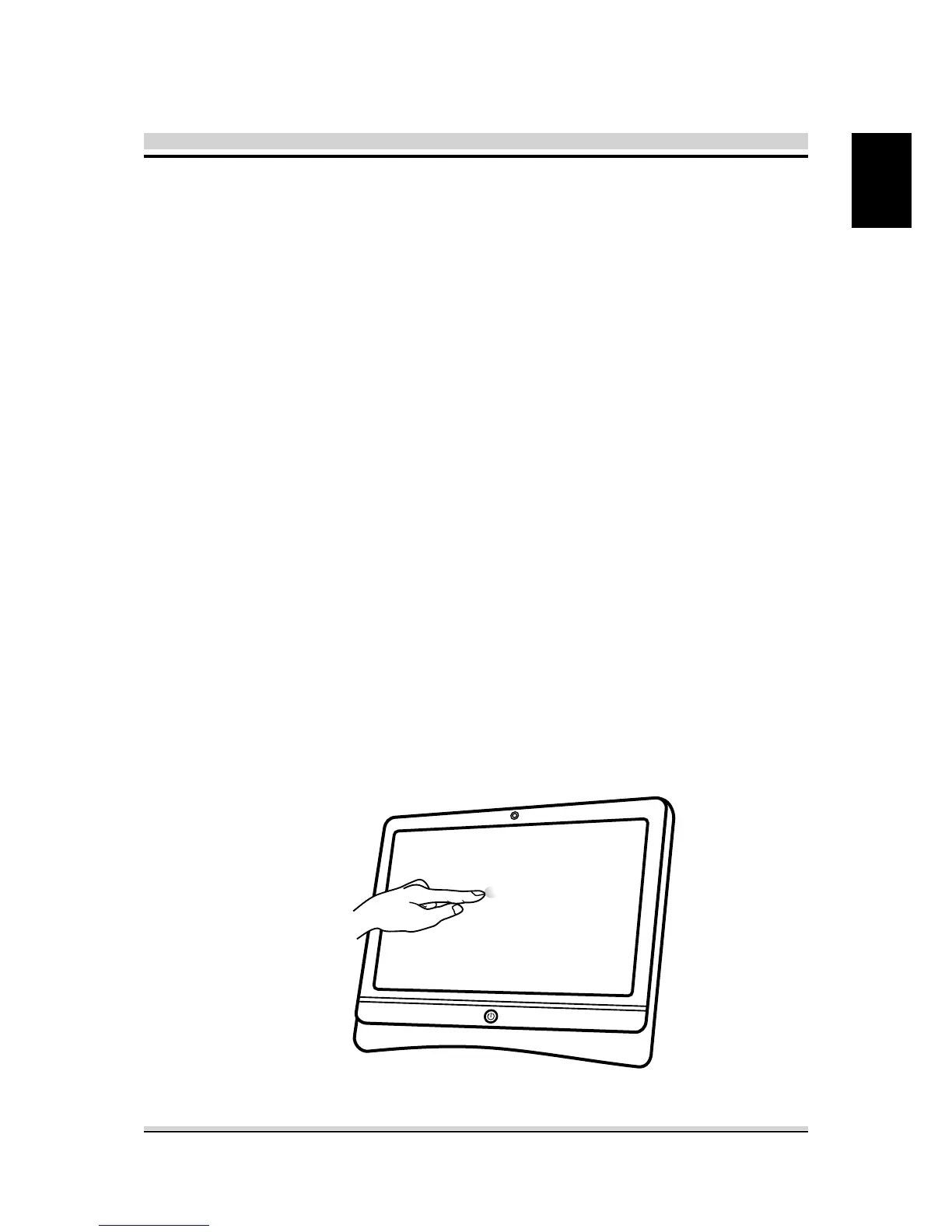
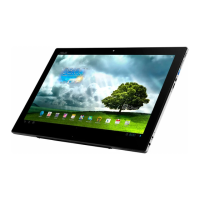
Touch panel brings digital life for an easy touch experience.
Experience the ease of managing your digital life with a few
touches. Your touch functions like a mouse device and all you need
to interact with the touch panel.
1. Touch = left-click on the mouse
2. Touch and hold = right-click on the mouse






 To Next Page