3
Contents
Safety information ........................................................................................7
Important Safety Instructions ............................................................................7
About this user guide ....................................................................................9
How this user guide is organized .....................................................................9
Typography ..............................................................................................................9
Conventions used in this manual .....................................................................10
Chapter 1: Getting started
Package contents...........................................................................................11
Specications summary ................................................................................12
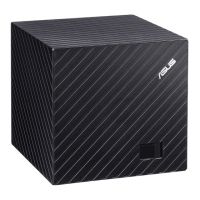
Getting to know your ASUS CUBE with Google TV .....................................13
System requirements ....................................................................................13
ASUS CUBE with Google TV ..........................................................................13
Front view .................................................................................................................13
Rear view ...................................................................................................................14
Right-side view ........................................................................................................16
Remote control ..............................................................................................17
Front view .................................................................................................................17
Back and side views ...............................................................................................19


 To Next Page