ASUS CUV4X-E User’s Manual 33
3. HARDWARE SETUP
Connectors
3. H/W SETUP
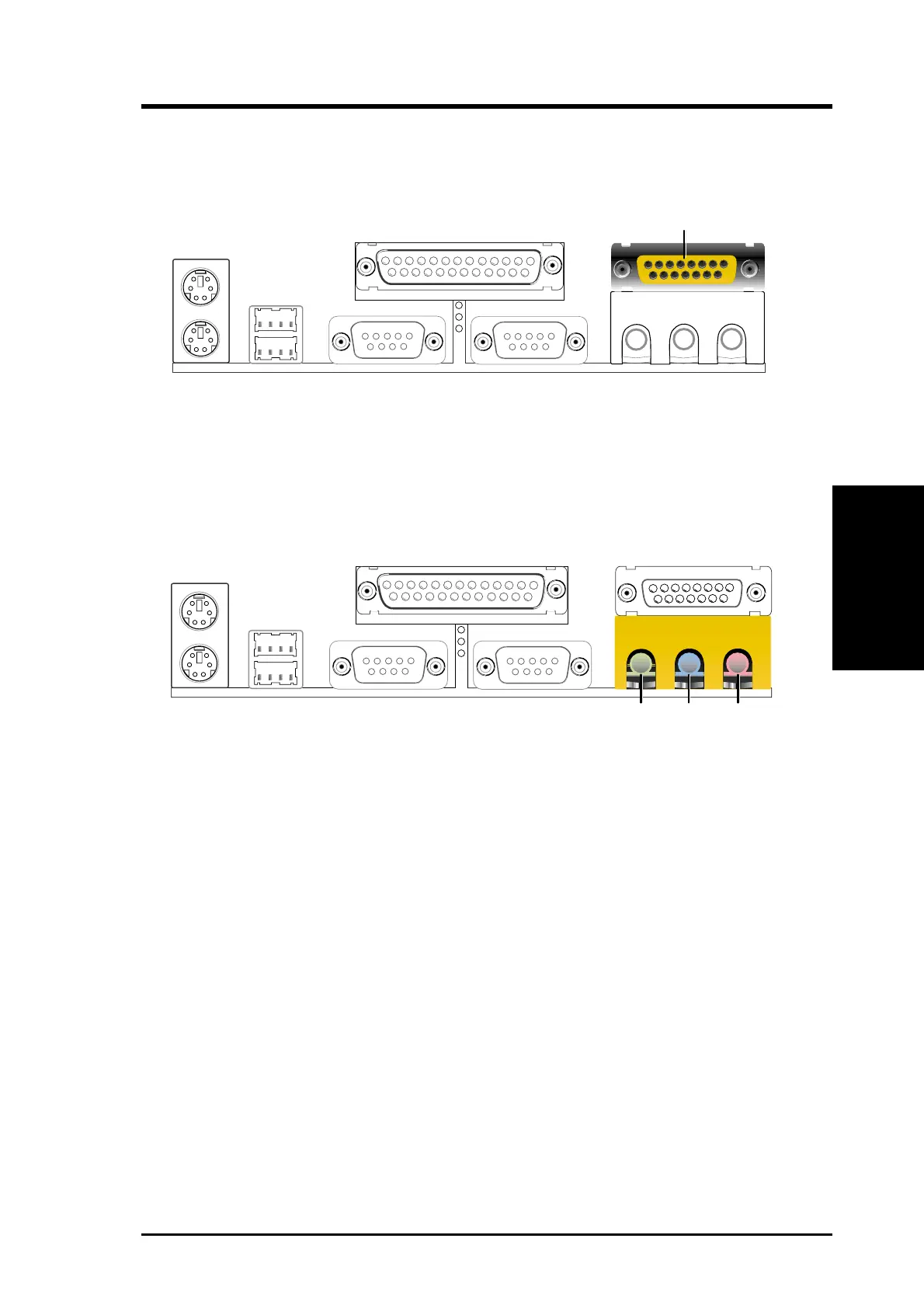
6) Game/MIDI Connector (Gold 15-pin GAME_AUDIO) (optional)
This connector supports a joystick or a game pad for playing games, and MIDI
devices for playing or editing audio files.
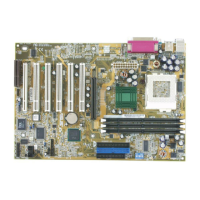
7) Audio Connectors (Three 1/8” AUDIO) (optional)
The Line Out (lime) connects a headphone or speakers. The Line In (light blue)
connects a tape players or other audio sources. The Mic (pink) connects a
microphone.
Joystick/Midi (15-pin Female)
MicLine InLine Out
1/8" Stereo Audio Connectors


 To Next Page