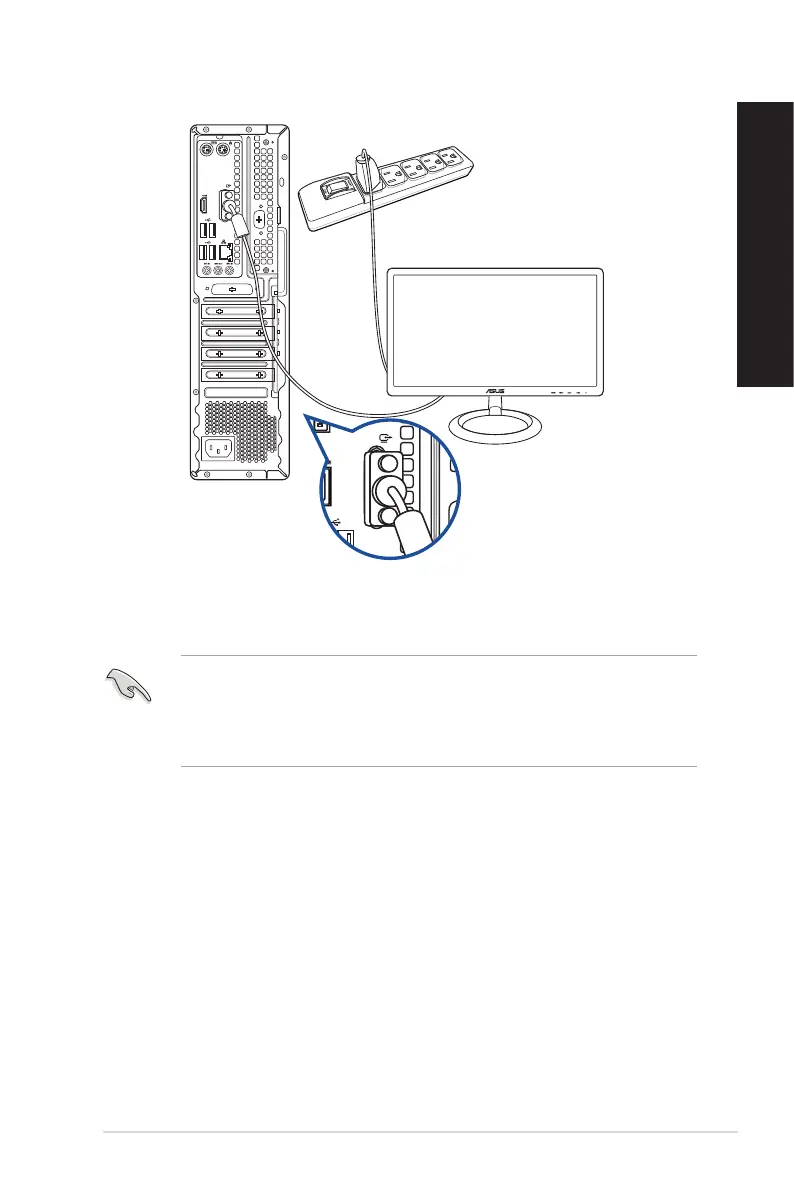
• If your computer comes with an ASUS Graphics Card, the graphics card is set as the primary
display device in the BIOS. Hence, connect your monitor to a display output port on the
graphics card.
• To connect multiple external monitors to your computer, refer to Connecting multiple
external display of this guide for details.
D500SD/S500SD/D500SDES/M500SD/D500SD_CZ
ASUS Desktop PC 23
ENGLISH
ENGLISH



 To Next Page