17
Knowing the Parts 2
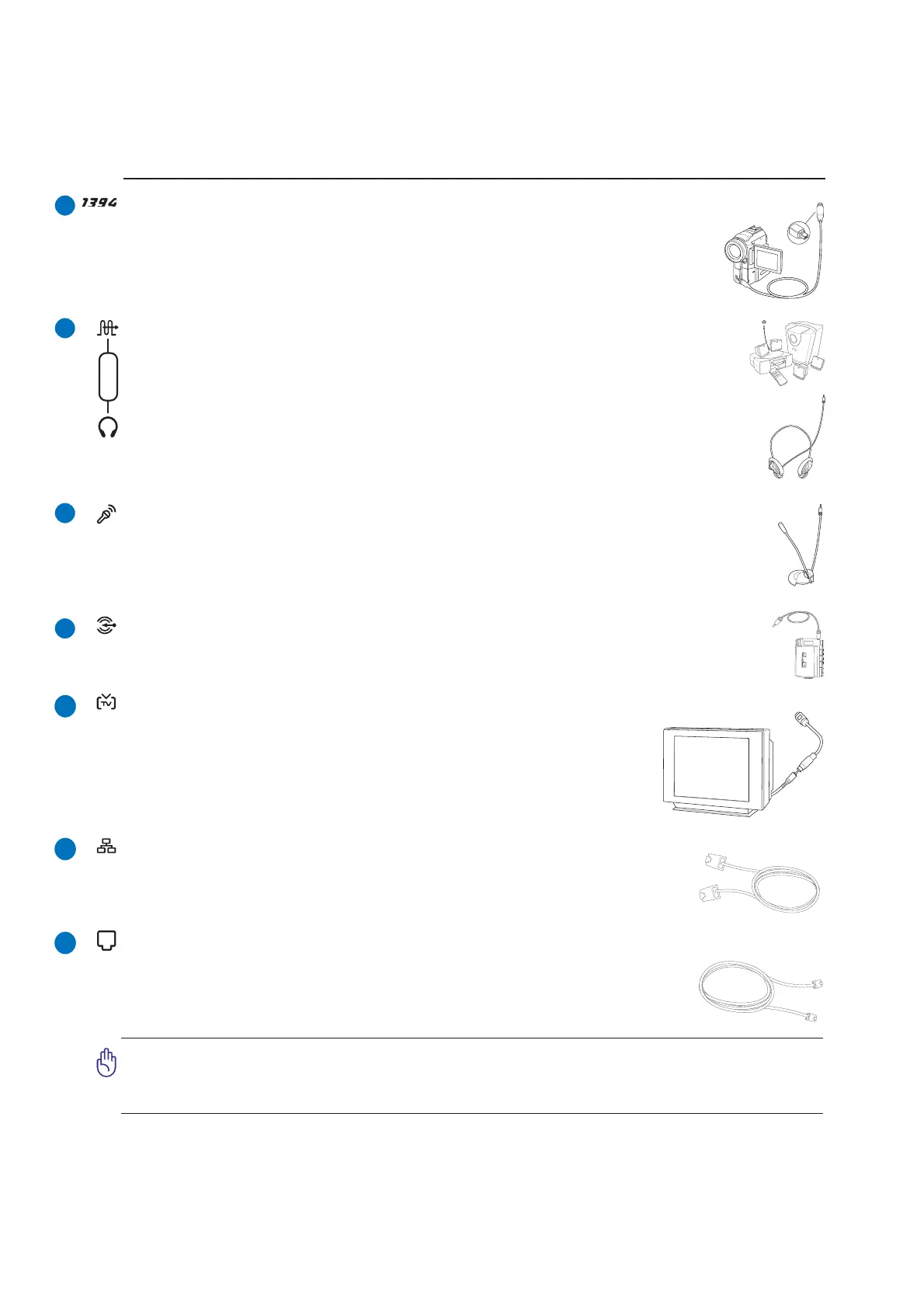
Microphone Input Jack (Mic In)
The mono microphone jack (1/8 inch) can be used to connect an external microphone or
output signals from audio devices. Using this jack automatically disables the built-in micro-
phone. Use this feature for video conferencing, voice narrations, or simple audio recordings.
SPDIF Output Jack (on selected models)
This jack provides connection to SPDIF (Sony/Philips Digital Interface) compliant de-
vices for digital audio output. Use this feature to turn the Notebook PC into a hi-fi home
entertainment system.
Headphone Output Jack
The stereo headphone jack (1/8 inch) is used to connect the Notebook PC’s audio out signal to
amplified speakers or headphones. Using this jack automatically disables the built-in speakers.
Combo
1394 Port (on selected models)
IEEE1394 is a high speed serial bus like SCSI but has simple connections and hot-
plugging capabilities like USB. The interface IEEE1394 has a bandwidth of 100-400
Mbits/sec and can handle up to 63 units on the same bus. IEEE1394 is also used in
high-end digital equipment and should be marked “DV” for Digital Video port.
Modem Port
The RJ-11 modem port with two pins is smaller than the RJ-45 LAN port and sup-
ports a standard telephone cable. The internal modem supports up to 56K V.90 trans-
fers. The built-in connector allows convenient use without additional adapters.
IMPORTANT! The built-in modem does not support the voltage used in digital phone
systems. Do not connect the modem port to a digital phone system or else damage
will occur to the Notebook PC.
LAN Port
The RJ-45 LAN port with eight pins is larger than the RJ-11 modem port and sup-
ports a standard Ethernet cable for connection to a local network. The built-in con-
nector allows convenient use without additional adapters.
Audio Input Jack
The stereo input jack (1/8 inch) can be used to connect a stereo audio source to the Notebook
PC. This feature is used mainly to add audio to multimedia applications.
TV-Out Port (on selected models)
The TV-Out port is an S-Video connector that allows routing the Notebook
PC’s display to a television or video projection device. You can choose be-
tween simultaneouly or single display. Use an S-Video cable (not provided)
for high quality displays or use the provided RCA to S-Video adapter for
standard video devices. This port supports both NTSC and PAL formats.
1
1
1



 To Next Page