Chapter 1: Knowing the Parts
1-14
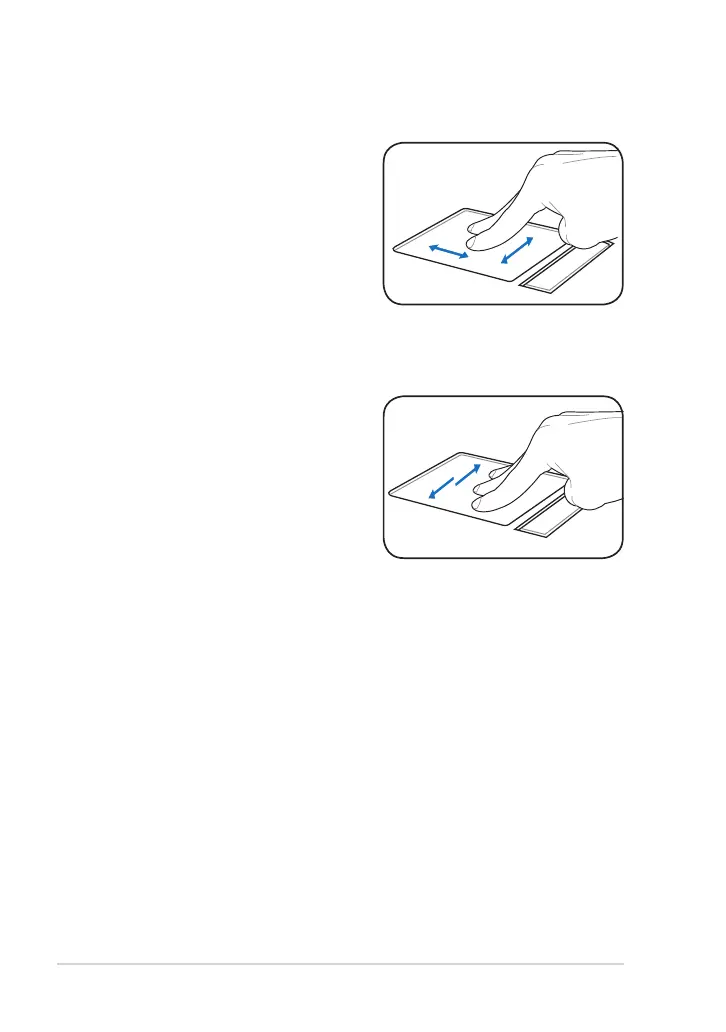
Three-finger page up/down- Use
three fingers to move horizontally on
the touchpad to swipe pages. Swipe
from left to the right to view the next
page or right to the left to return to
the previous pages.
Two-finger scrolling up/down or
left/right- Use two fingertips to slide
up/down or left/right on the touchpad
to scroll a window up/down or left/
right. If your display window includes
several sub-windows, move the
pointer on that pane before scrolling.



 To Next Page