ASUS Eee PC
3-11
Touch Gate Mode
Eee PC Touch provides an easy-to-use Touch Gate mode with many useful
functions. You can launch the touch mode in two ways:
• Tap the Touch Gate Mode icon ( ) from the Eee Docking Touch
tool bar.
• Press the Home Key ( ).
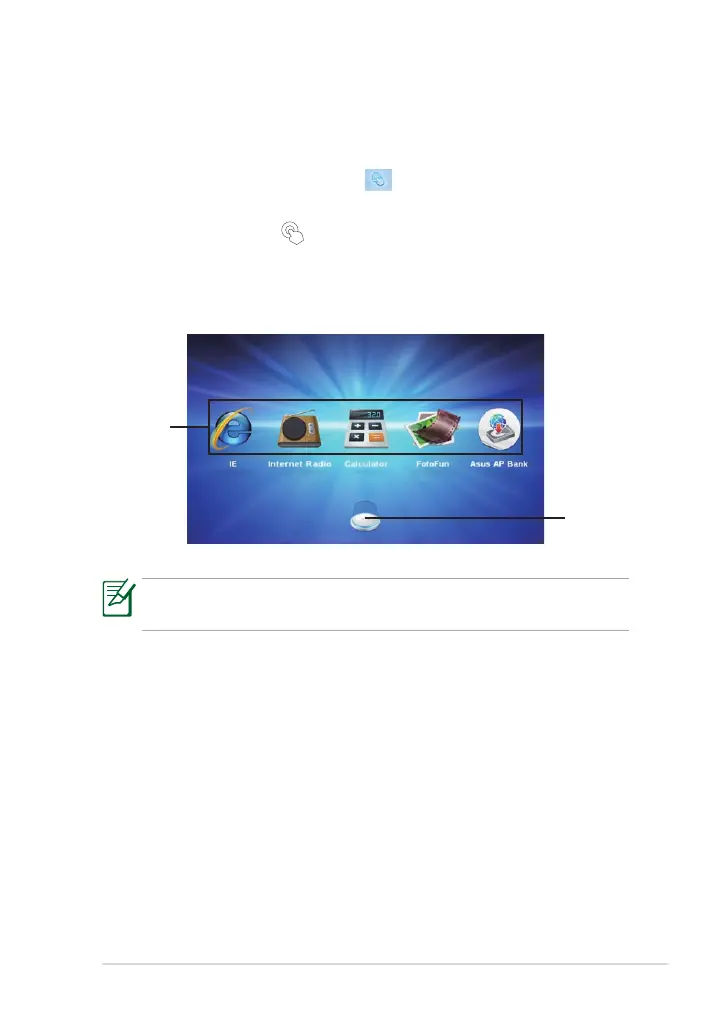
Using Touch Gate Mode
Tap the onscreen icons to operate the Touch Gate functions.
The screen captures shown in this section are for reference purposes
only and may not exactly match what you see on your screen.
Function
shortcuts
Slide
upward
to show
more
functions



 To Next Page