ASUS Eee PC
3-13
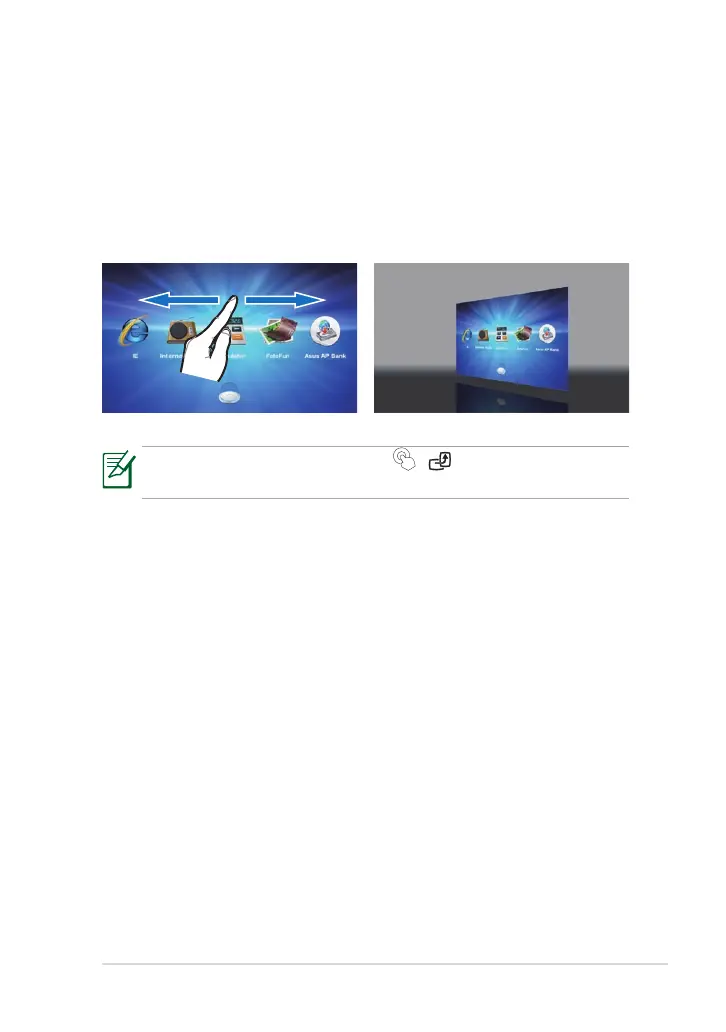
1. Slide leftward or rightward on
any empty area of the Touch
Gate main screen.
2. The desktop switches back to
Windows mode.
Switching back to Windows Mode
You can freely switch your desktop to Windows mode and Touch Gate
mode back and forth.
You may also press the Home Key ( / ) to return to Windows
Mode.



 To Next Page