Chapter 2: Getting Started
2-4
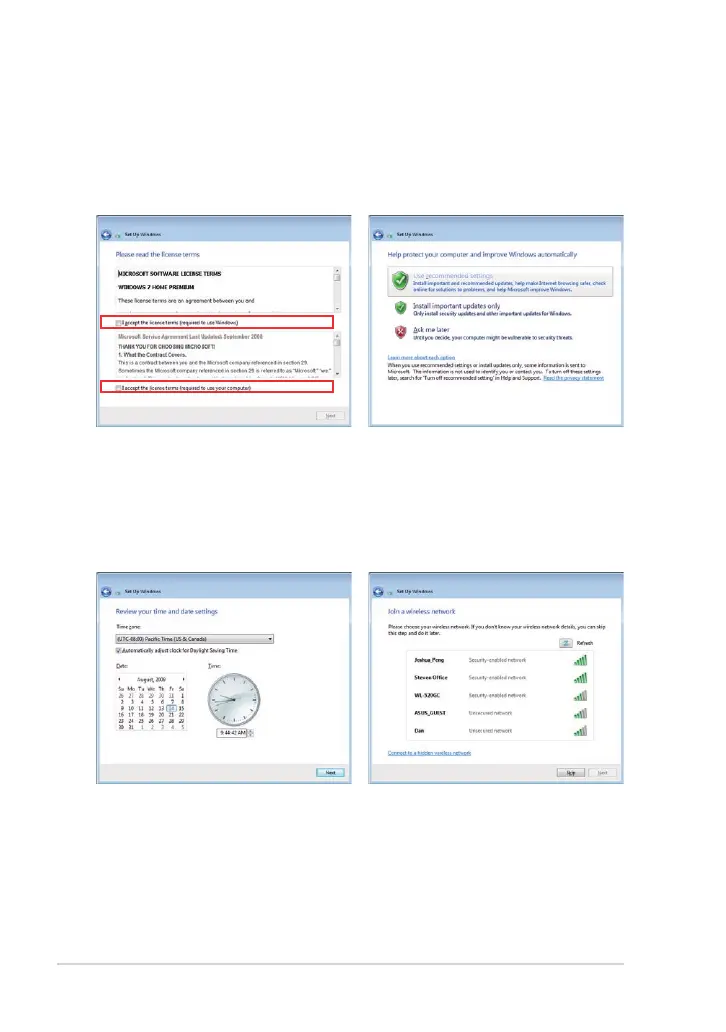
7. Specify the time zone you are
in and the local date and time.
Click Next to continue.
6. Click Use recommended
settings to get the latest
important updates.
5. Read the end user license
agreement and check the
two boxs before I accept the
license terms. Click Next to
continue.
8. Connect to a wireless network
and click Next to continue,
or click Skip to set up the
wireless connection later.



 To Next Page