English
29
All-in-One PC ET232 Series
Hotspots
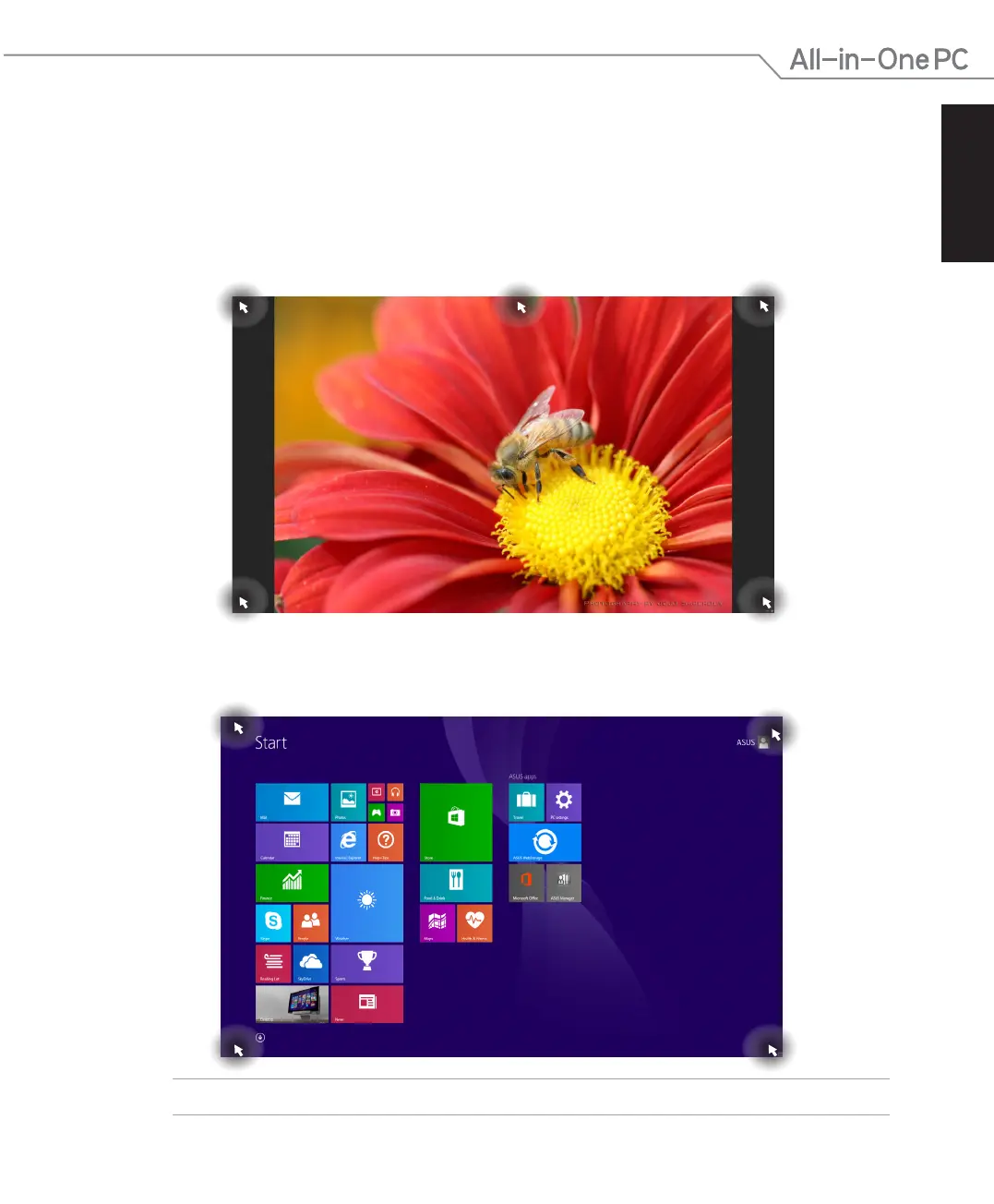
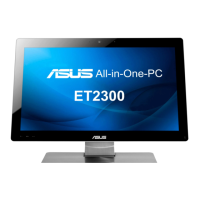
Onscreen hotspots allow you to launch programs and access your ASUS All-in-One PC settings.
The functions in these hotspots can be activated using your mouse.
Hotspots on a running app
Hotspots on the Start screen
NOTE: Refer to the next page for the Hotspots’ functions.


 To Next Page