ASUS F2A85-V PRO
4-17
Chapter 4
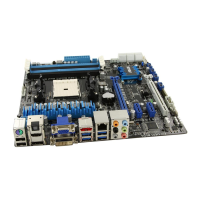
To edit the video library:
1. Tick Library.
2. Click to add or delete video les.
3. Click Add and locate the le from
the directory. To delete, tick the
selected le and click Delete.
4. Click OK.
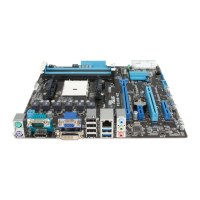
To edit the video playlist:
1. Tick Playlist.
2. Click .
3. Tick to select or deselect the video
le and click Save Prole.
4. Select the prole name and click
Save. To add as a new playlist,
key in your prole name and click
Save.
5. To delete playlist, select the prole
and click .
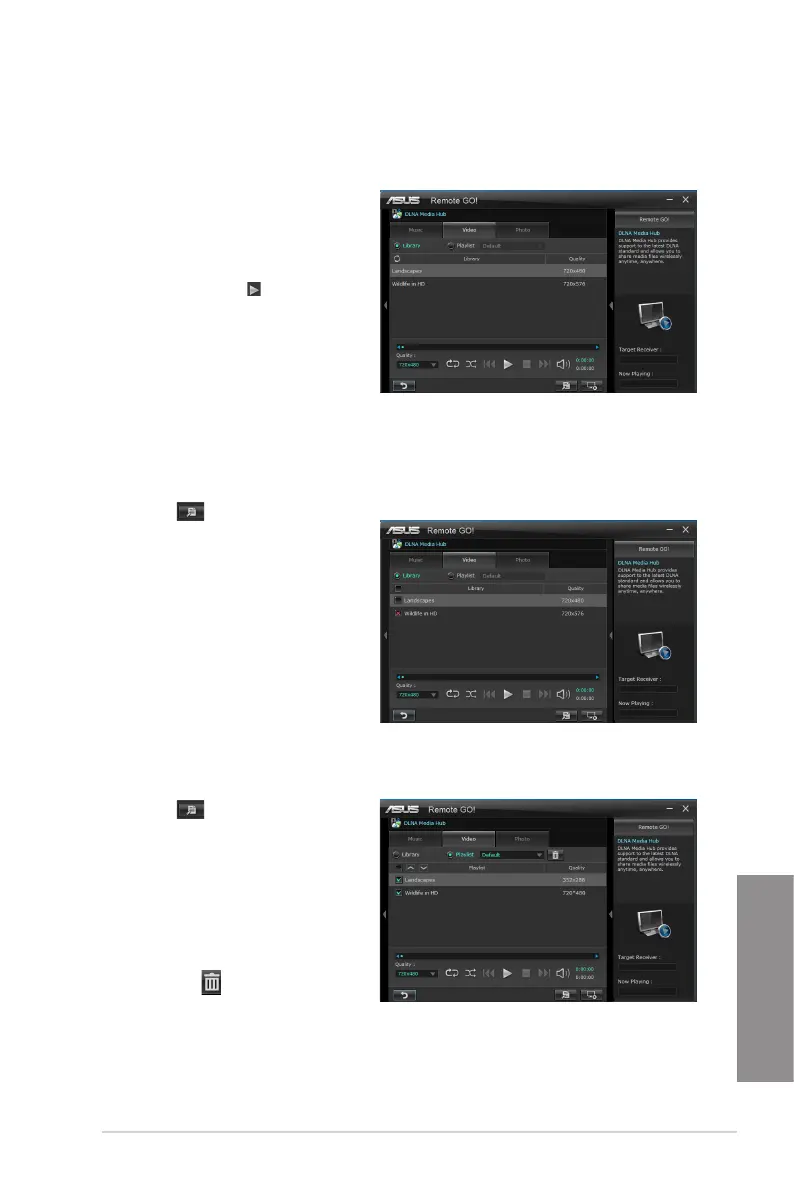
To play a video le:
1. Click Video tab.
2. Tick Library to view the video les
from your local computer. Tick
Playlist to view the video les
saved in your prole.
3. Click the video le you want to
watch, and click .
Change the resolution from the
Quality dropdown list.


 To Next Page