4-38
Chapter 4: Software support
Chapter 4
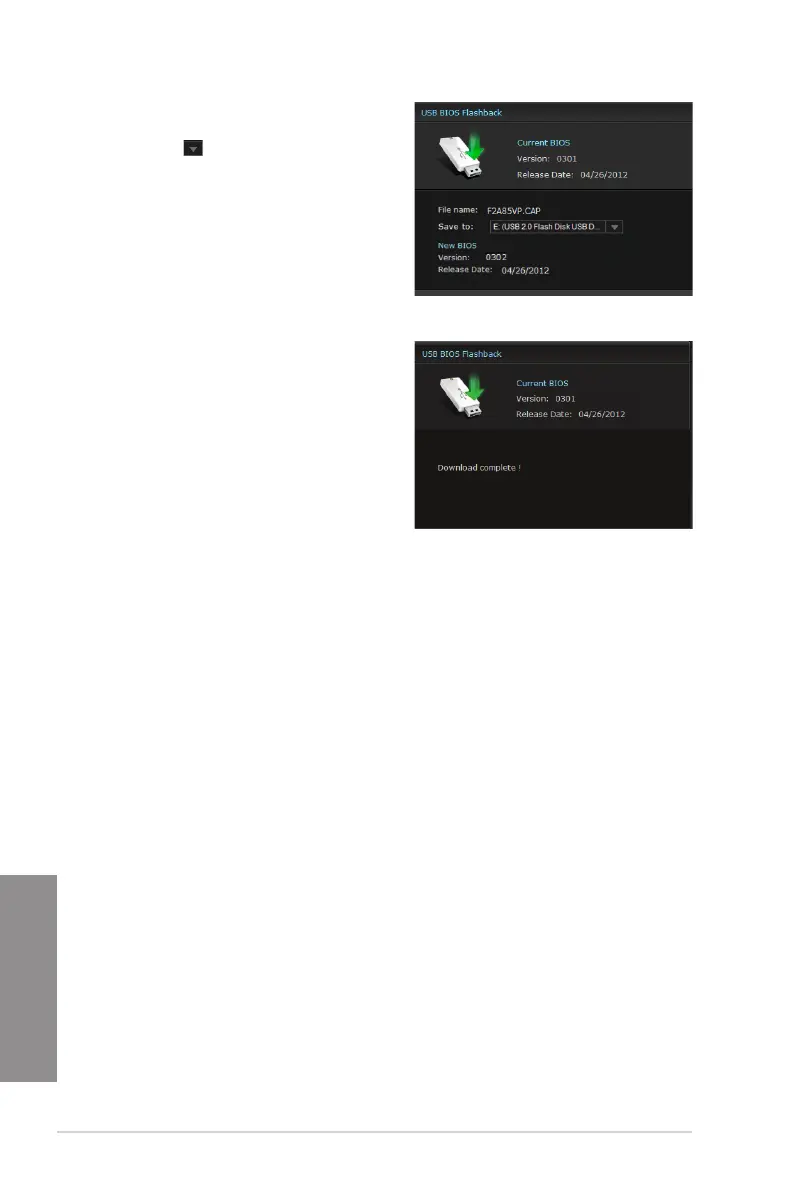
After the utility detects a new BIOS
rmware, save the BIOS rmware by
clicking from the Save to eld, select
the USB ashdrive, and click Download.
After the download is complete, click OK.
1.
2.
After you download the BIOS le to your ash drive, you can update the motherboard’s BIOS.
Refer to BIOS_FLBK switch section in 2.2.6 Onboard Switches for details.


 To Next Page