ASUS F2A85-V PRO
4-51
Chapter 4
8. Find the [HardwareIds.scsi.iaAHCI_DesktopWorkstationServer] and
[HardwareIds.scsi.iaStor_DesktopWorkstationServer] sections in the txtsetup.oem
le.
9. Type the following line to the bottom of the two sections:
id = “USB\VID_xxxx&PID_xxxx”, “usbstor”
10. Save and exit the le.
Add the same line to both sections.
The VID and PID vary with different vendors.
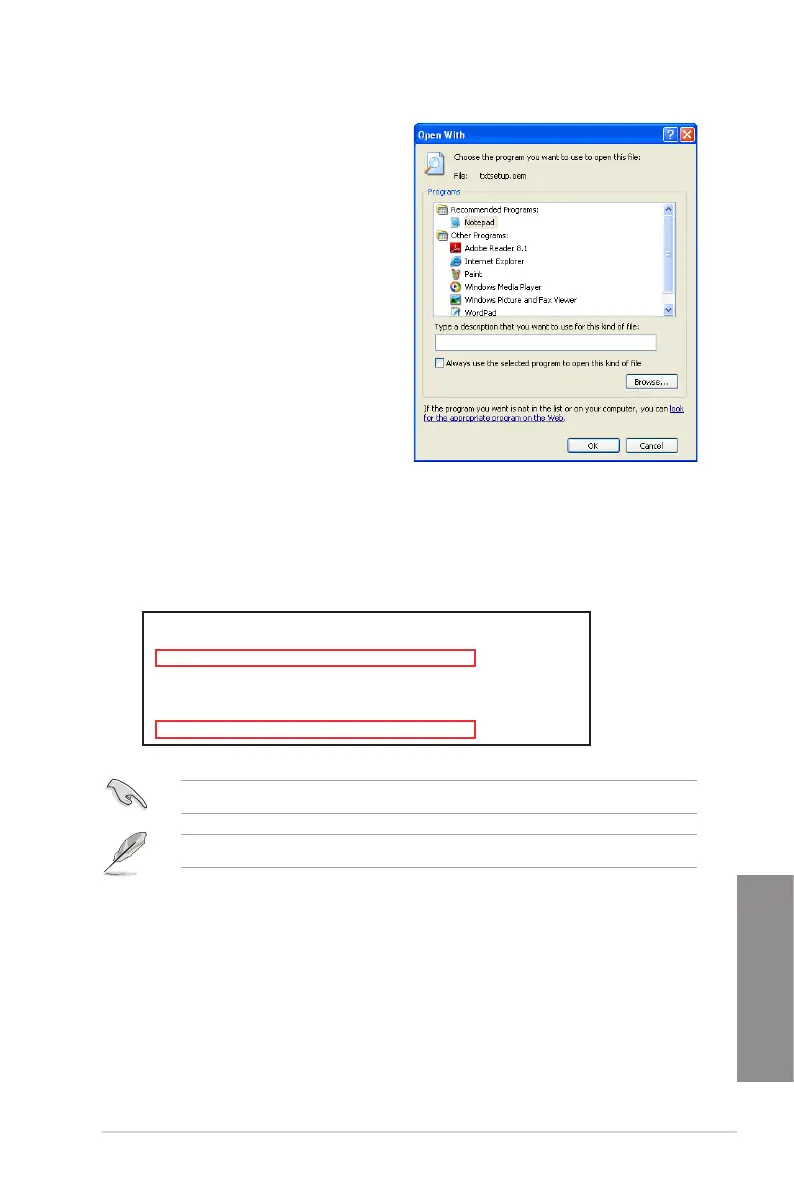
7. Use Notepad to open the le.
[HardwareIds.scsi.iaAHCI_DesktopWorkstationServer]
id= “PCI\VEN_8086&DEV_1C02&CC_0106”,”iaStor”
id= “USB\VID_03EE&PID_6901”, “usbstor”
[HardwareIds.scsi.iaStor_DesktopWorkstationServer]
id= “PCI\VEN_8086&DEV_2822&CC_0104”,”iaStor”
id= “USB\VID_03EE&PID_6901”, “usbstor”


 To Next Page