A Appendix
A-2
Optional Accessories
These items, if desired, come as optional items to complement your Notebook PC.
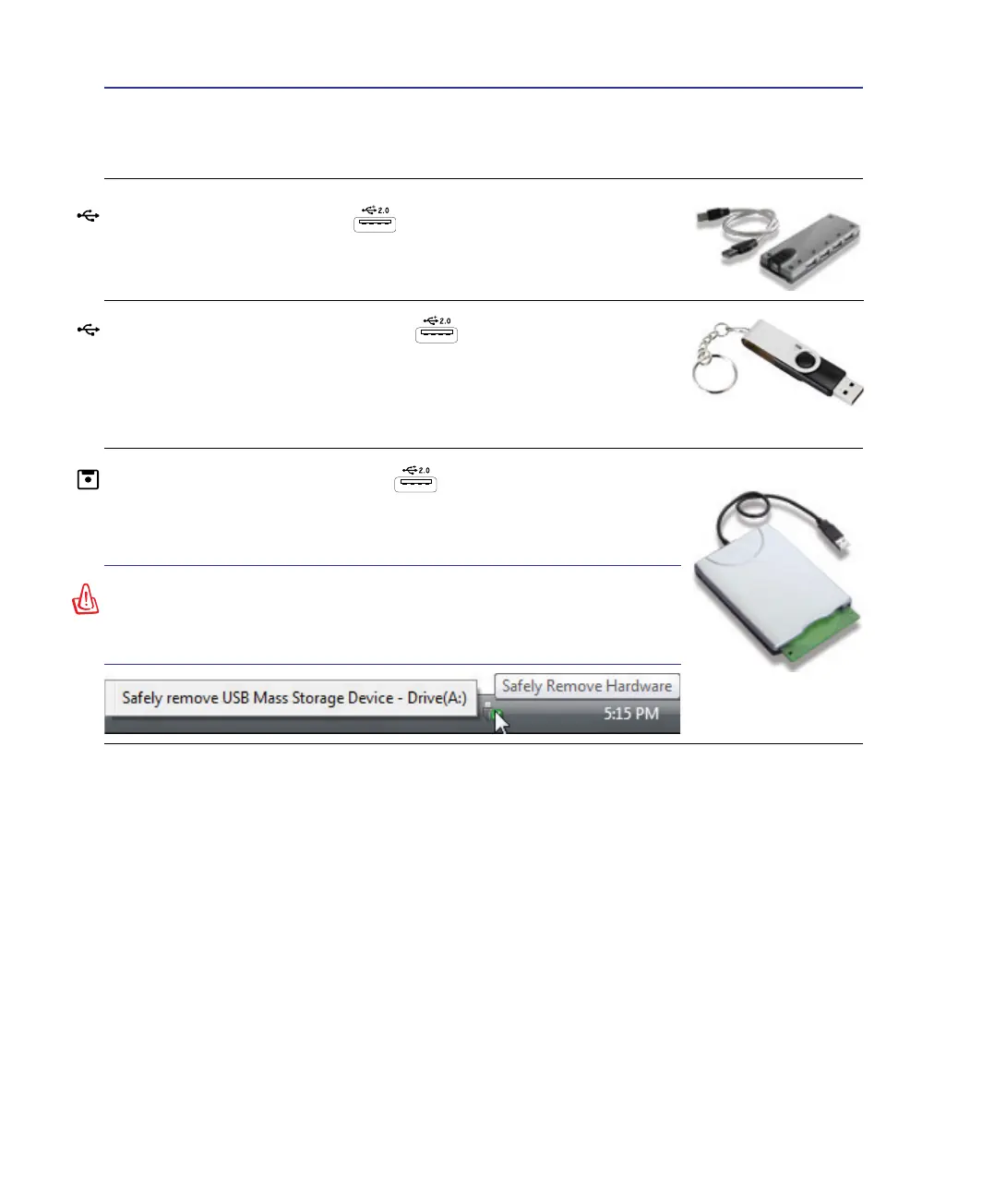
USB Flash Memory Disk
A USB ash memory disk is an optional item that can replace the 1.44MB
oppy disk and provide storage up to several hundred megabytes, higher trans-
fer speeds, and greater durability. When used in current operating systems, no
drivers are necessary.
USB Hub (Optional)
Attaching an optional USB hub will increase your USB ports and allow you
to quickly connect or disconnect many USB peripherals through a single
USB Floppy Disk Drive
An optional USB-interface oppy disk drive can accept a standard 1.44MB
(or 720KB) 3.5-inch oppy diskette.
WARNING! To prevent system failures, use Windows “Safely
Remove Hardware” on the taskbar before disconnecting the
USB oppy disk drive. Eject the oppy disk before transporting
the Notebook PC to prevent damage from shock.



 To Next Page