30
3 Getting Started
Colored Hot Keys (Cont.)
OSD
Icons
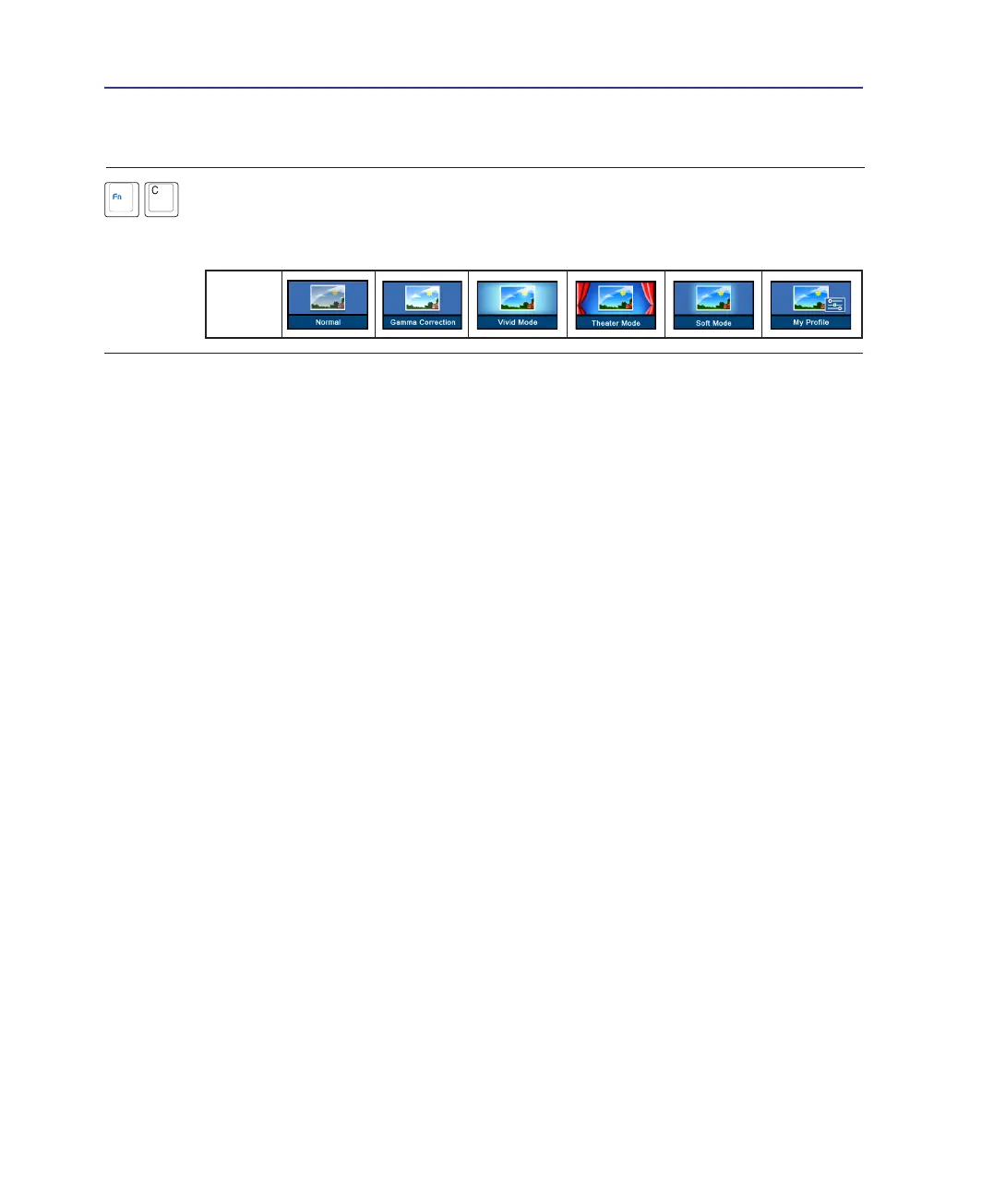
Fn+C: Toggles “Splendid Video Intelligent Technology” function ON and OFF. This al-
lows switching between different display color enhancement modes in order to improve
contrast, brightness, skin tone, and color saturation for red, green, and blue independently.
You can see the current mode through the on-screen display (OSD).



 To Next Page