33
Getting Started 3
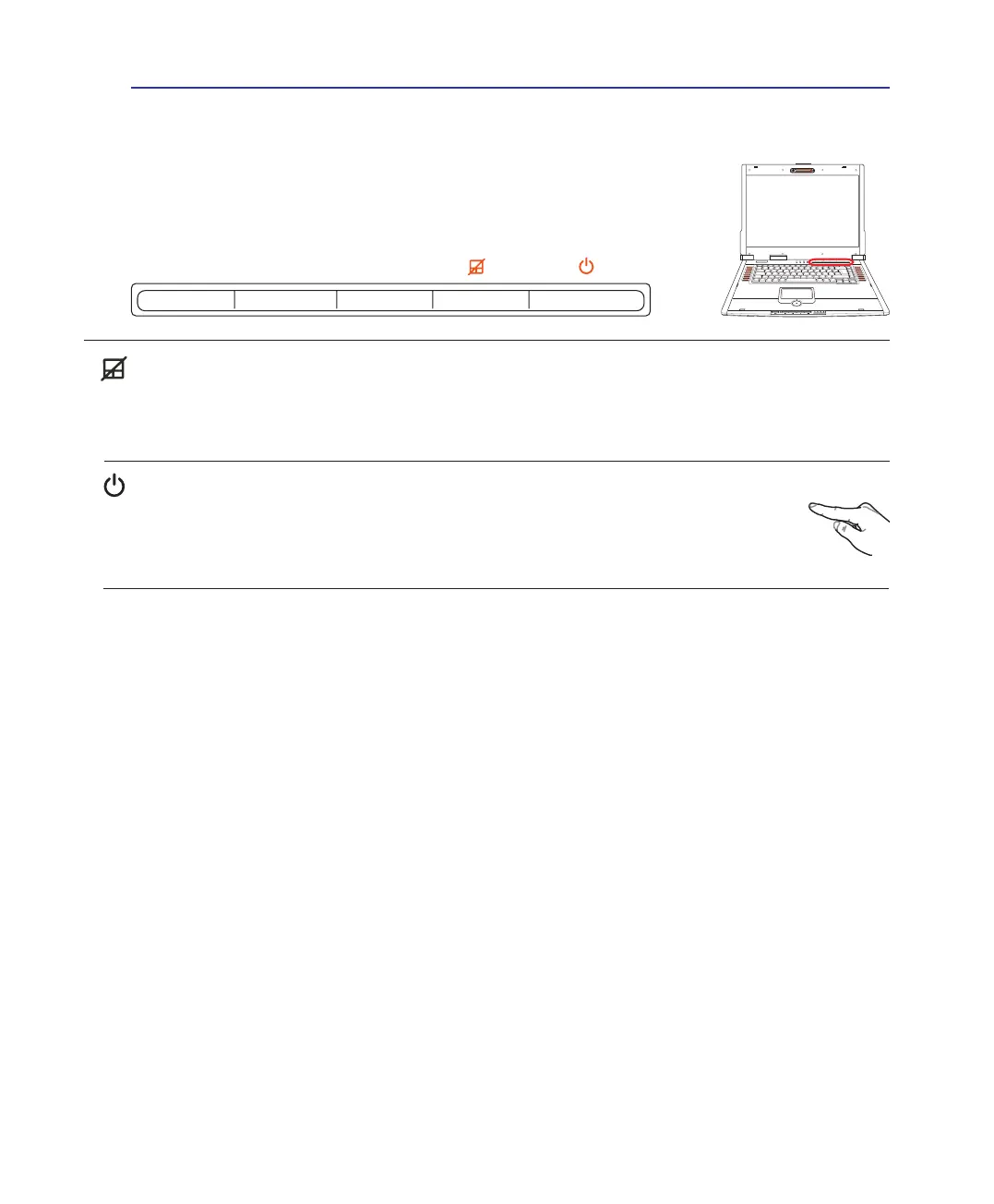
Touchpad Lock Key
Pressing this button will lock (disable) the built-in touchpad. Locking the touchpad will prevent you from
accidentally moving the cursor while typing and is best used with an external mouse (pointing device).
To unlock (enable) the touchpad, simply press this button again.
Power Switch
The power switch allows powering ON and OFF the Notebook PC and recovering from
STD. Use the switch once to turn ON and once to turn OFF the Notebook PC. In Windows
XP, this button can also be used to safely turn OFF the Notebook PC. The power switch only
works when the display panel is opened.
Switches - Above keyboard (Cont)
Switches and Status Indicators



 To Next Page