58
4 Using the Notebook PC
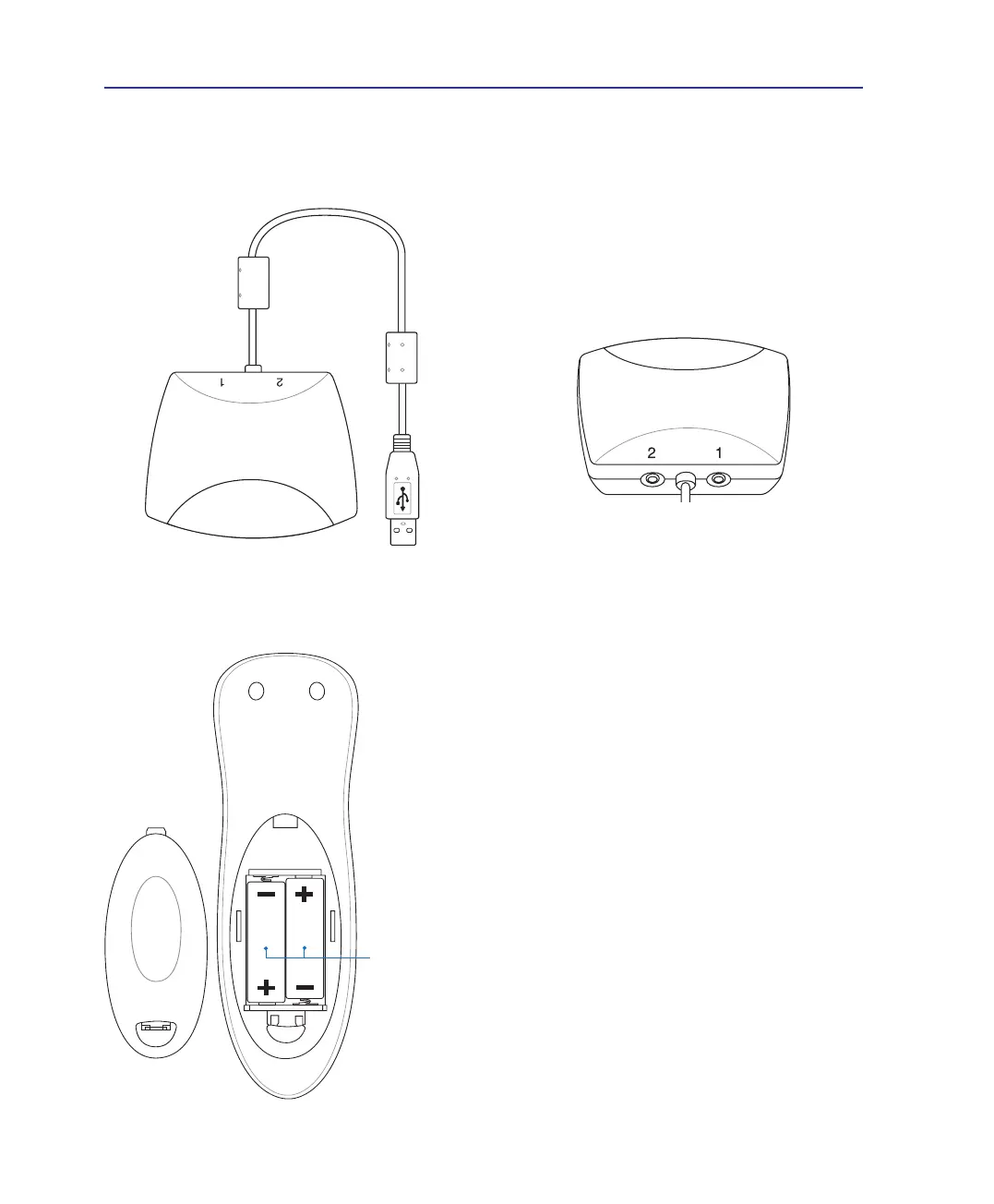
The remote controller re-
quires two “AA” (1.5V)
batteries.
Plug the infrared receiver into the Notebook PC’s
USB port. The infrared remote controller must be
pointed at this receiver, not the infrared receiver
on the Notebook PC.
The jacks on the back of the infrared receiver have
no function at this time.
Audio/Video Remote Controller (on selected models)
Microsoft version - receiver module



 To Next Page