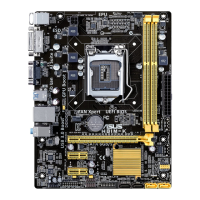
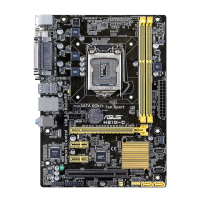
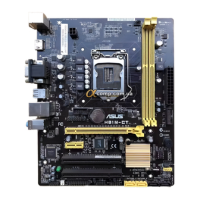
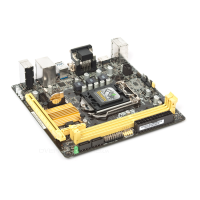
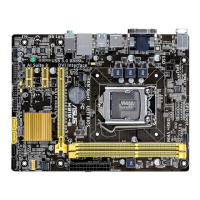
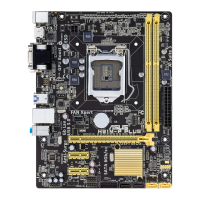
ASUS H81-PLUS
1-15
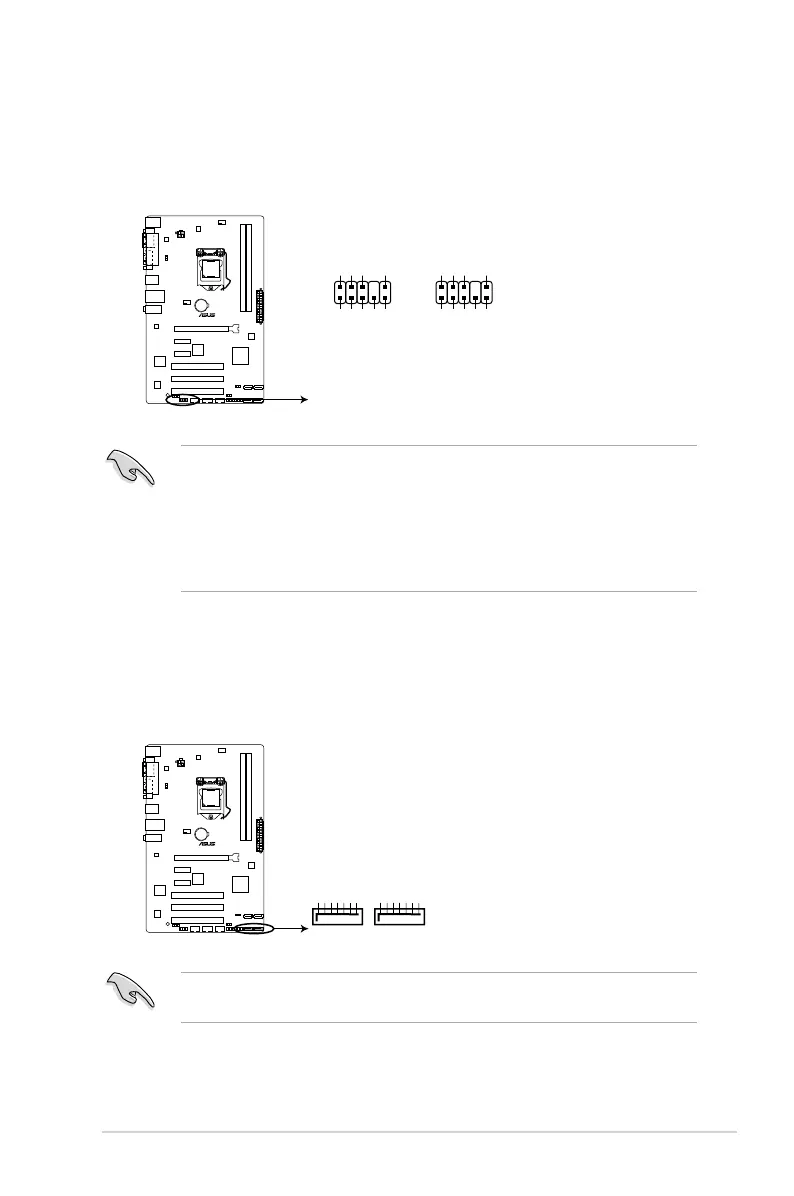
3. Front panel audio connector (10-1 pin AAFP)
This connector is for a chassis-mounted front panel audio I/O module that supports
either HD Audio or legacy AC`97 audio standard. Connect one end of the front panel
audio I/O module cable to this connector.
• We recommend that you connect a high-denition front panel audio module to this
connector to avail of the motherboard’s high-denition audio capability.
• If you want to connect a high-denition front panel audio module to this connector,
set the Front Panel Type item in the BIOS setup to [HD]. If you want to connect an
AC’97 front panel audio module to this connector, set the item to [AC97]. By default,
this connector is set to [HD]. See section 2.6.7 Onboard Devices Conguration for
details.
4. Intel
®
H81 Serial ATA 6.0Gb/s connector (7-pin SATA6G_1~2 [yellow])
This connector connects to Serial ATA 6.0 Gb/s hard disk drives via Serial ATA 6.0 Gb/s
signal cables.
When using hot-plug and NCQ, set the SATA Mode Selection item in the BIOS to [AHCI].
See section 2.6.3 SATA Conguration for details.


 To Next Page