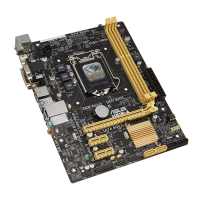
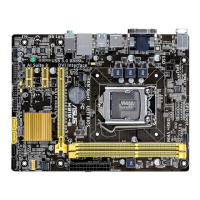
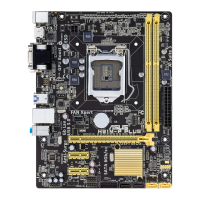
ASUS H81-PLUS
2-29
DMI Link ASPM Control [Auto]
Allows you to enable or disable the control of Active State Power Management on SA
side of the DMI Link. Conguration options: [Auto] [Disabled] [L0s] [L1] [L0sL1]
PEG - ASPM [Disabled]
Allows you to control ASPM support for the PEG Device. The setting takes no effect if
PEG is not the active device at present. Conguration options: [Disabled] [Auto] [ASPM
L0s] [ASPM L1] [ASPM L0sL1]
Memory Conguration
Memory Scrambler [Enabled]
Allows you to enable or disable Memory Scrambler support.
Memory Remap [Enabled]
Allows you to enable or disable remapping the memory above 4GB.
[Enabled] Enables the function.
[Disabled] Disables this function.
2.6.5 USB Conguration
The items in this menu allow you to change the USB-related features.
The USB Devices item shows the auto-detected values. If no USB device is detected, the
item shows None.
Legacy USB Support [Enabled]
[Disabled] The USB devices can be used only for the BIOS setup program.
[Enabled] Enables the support for USB devices on legacy operating systems (OS).
[Auto] Allows the system to detect the presence of USB devices at startup. If
detected, the USB controller legacy mode is enabled. If no USB device is
detected, the legacy USB support is disabled.
Intel xHCI Mode [Smart Auto]
[Smart Auto] Enables the operation of xHCI controller.
[Auto] Keeps the last operation of xHCI controller in OS during bootup.
[Enabled] Enables the function.
[Disabled] Disables the function.
EHCI Hand-off [Disabled]
[Enabled] Enables the support for operating systems without an EHCI hand-off
feature.
[Disabled] Disables the function.
USB Single Port Control
USB3_1~2 [Enabled]
Allows you to enable or disable an individual USB port. Refer to the section 1.2.3
Motherboard layout in this user manual for the locations of the USB ports.
Conguration options: [Enabled] [Disabled].


 To Next Page