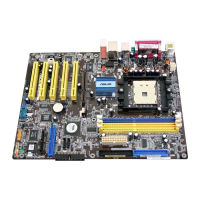
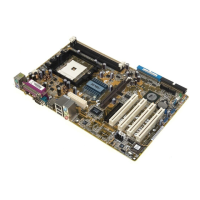
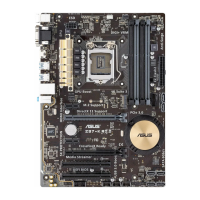
ASUS K8V motherboard
2-19
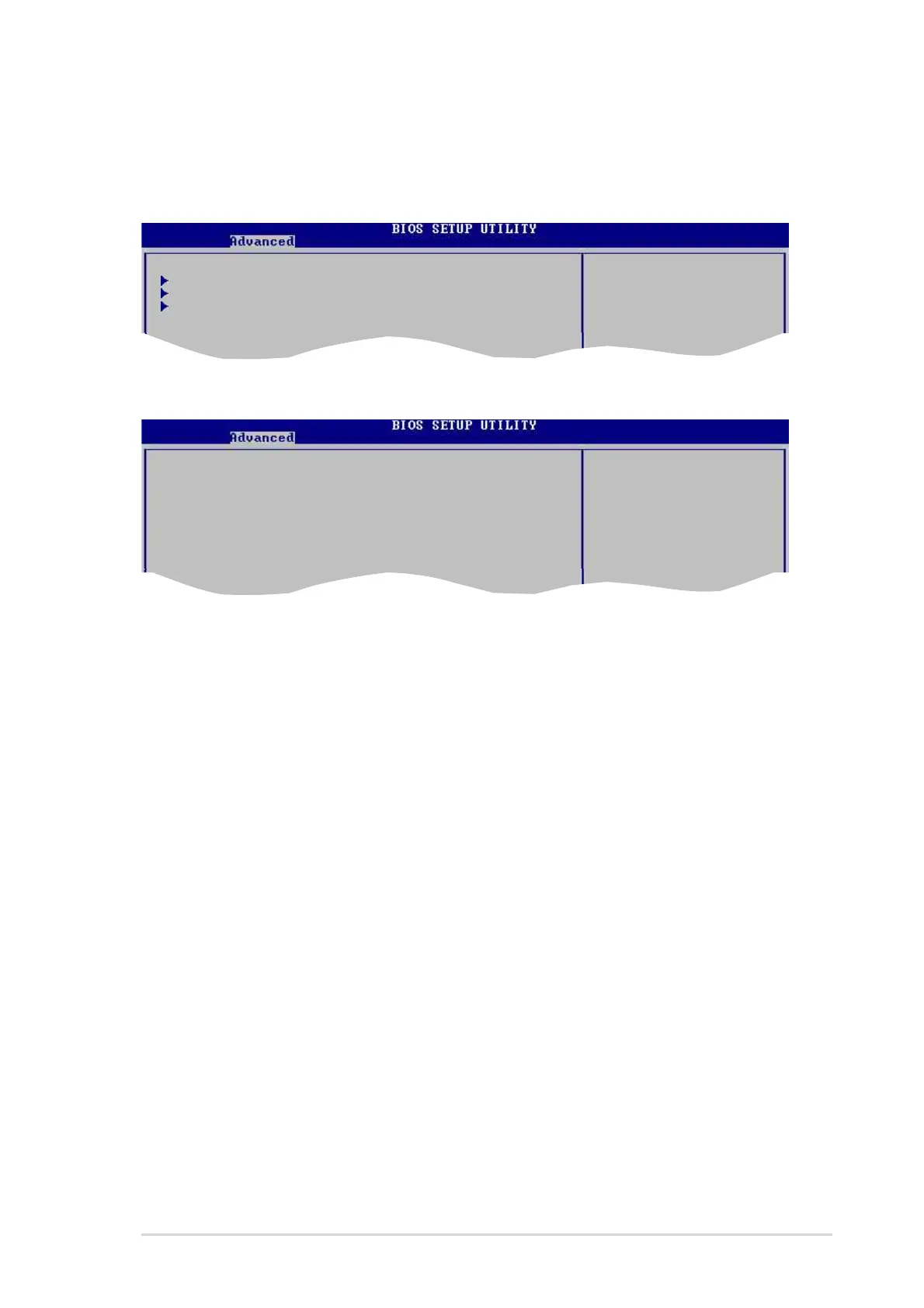
2.4.2 Chipset
The Chipset menu items allow you to change the advanced chipset settings. Select
an item then press <Enter> to display the sub-menu.
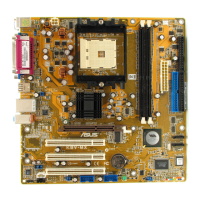
AGP Bridge Configuration
Primary Graphics Adapter [AGP]
Search for MDA Resources [Yes]
AGP Mode [AGP 8X]
AGP Fast Write [Enabled]
Graphics Aperture Size [64MB]
Primary Graphics Adapter [AGP]
Switches the PCI Bus scanning order while searching for a video card. This allows
you to select the type of Primary VGA in case of multiple video controllers.
Configuration options: [PCI] [AGP]
Search for MDA Resources [Yes]
Sets whether to allow search for MDA resources.
Configuration options: [Yes] [No]
AGP Mode [AGP 8X]
Allows you to set the data throughput of your AGP graphics card. This
motherboard supports the AGP 8X interface that transfers video data at 2.12GB/s.
The default and configuration options vary depending on the speed of AGP card
you installed. If you installed an AGP 8X graphics card, the configuration options
are as follows: [8X] [4X] or if you installed an AGP 4X graphics card, the
configuration options are as follows: [4X] [2X].
AGP Fast Write [Enabled]
Enables or disables the AGP Fast Write feature.
Configuration options: [Disabled] [Enabled]
Graphics Aperture Size [64MB]
Allows you to select the size of mapped memory for AGP graphic data.
Configuration options: [32MB] [64MB] [128MB] [256MB]
AGP Bridge Configuration Options for VIA AGP
SouthBridge Configuration Chipset
USB Configuration



 To Next Page