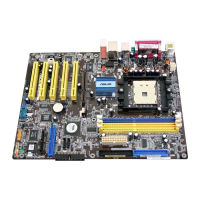
ASUS K8V Motherboard
2-29
2.5.6 Hardware Monitor
CPU Temperature [xxx ºC/xxx ºF]
MB Temperature [xxx ºC/xxx ºF]
The onboard hardware monitor automatically detects and displays the
motherboard and CPU temperatures. Select Disabled if you do not wish to display
the detected temperatures.
CPU Fan Speed [xxxxRPM] or [N/A]
Chassis Fan Speed [xxxxRPM] or [N/A]
The onboard hardware monitor automatically detects and displays the CPU and
chassis fan speeds in rotations per minute (RPM). If any of the fans is not
connected to the motherboard, the specific field shows N/A.
Q-Fan Control [Disabled]
Allows you to enable or disable the ASUS Q-Fan feature that smartly adjusts the
fan speeds for more efficient system operation. When this field is set to [Enabled].
Configuration options: [Disabled] [Enabled]
VCORE Voltage, +3.3V Voltage, +5V Voltage, +12V Voltage
The onboard hardware monitor automatically detects the voltage output through
the onboard voltage regulators.
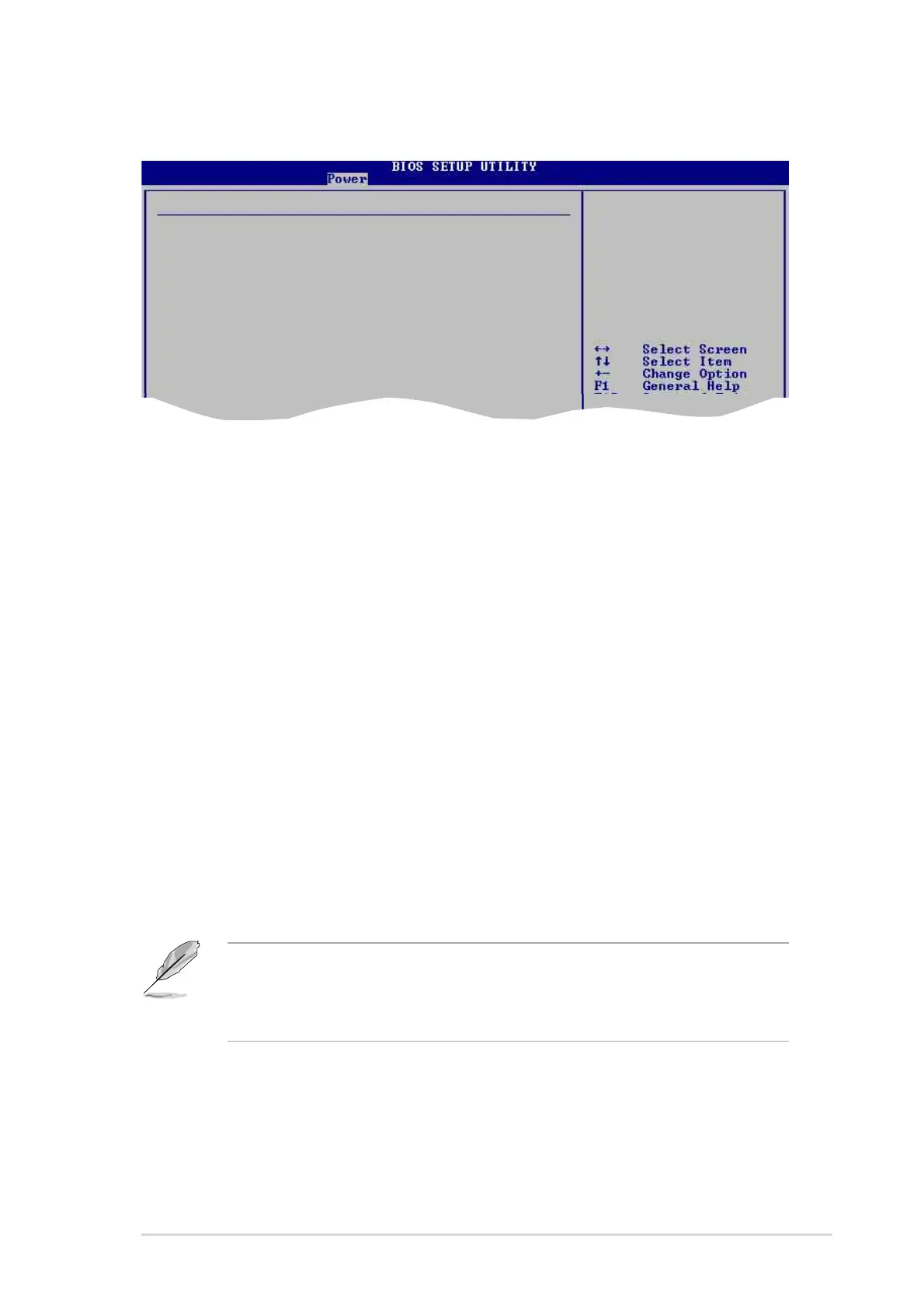
Hardware Monitor CPU Temperature
CPU Temperature [40.5ºC/102.5ºF]
MB Temperature [33ªC/91ºF]
CPU Fan Speed [3260RPM]
Chassis Fan Speed [N/A]
Q-Fan Control [Disabled]
VCORE Voltage [ 1.504V]
3.3V Voltage [ 3.360V]
5V Voltage [ 5.160V]
12V Voltage [11.328V]
If any of the monitored items is out of range, the following error message
appears: “Hardware Monitor found an error. Enter Power setup menu for
details”. You will then be prompted to “Press F1 to continue or DEL to enter
SETUP”.



 To Next Page