2-20
Chapter 2: BIOS Setup
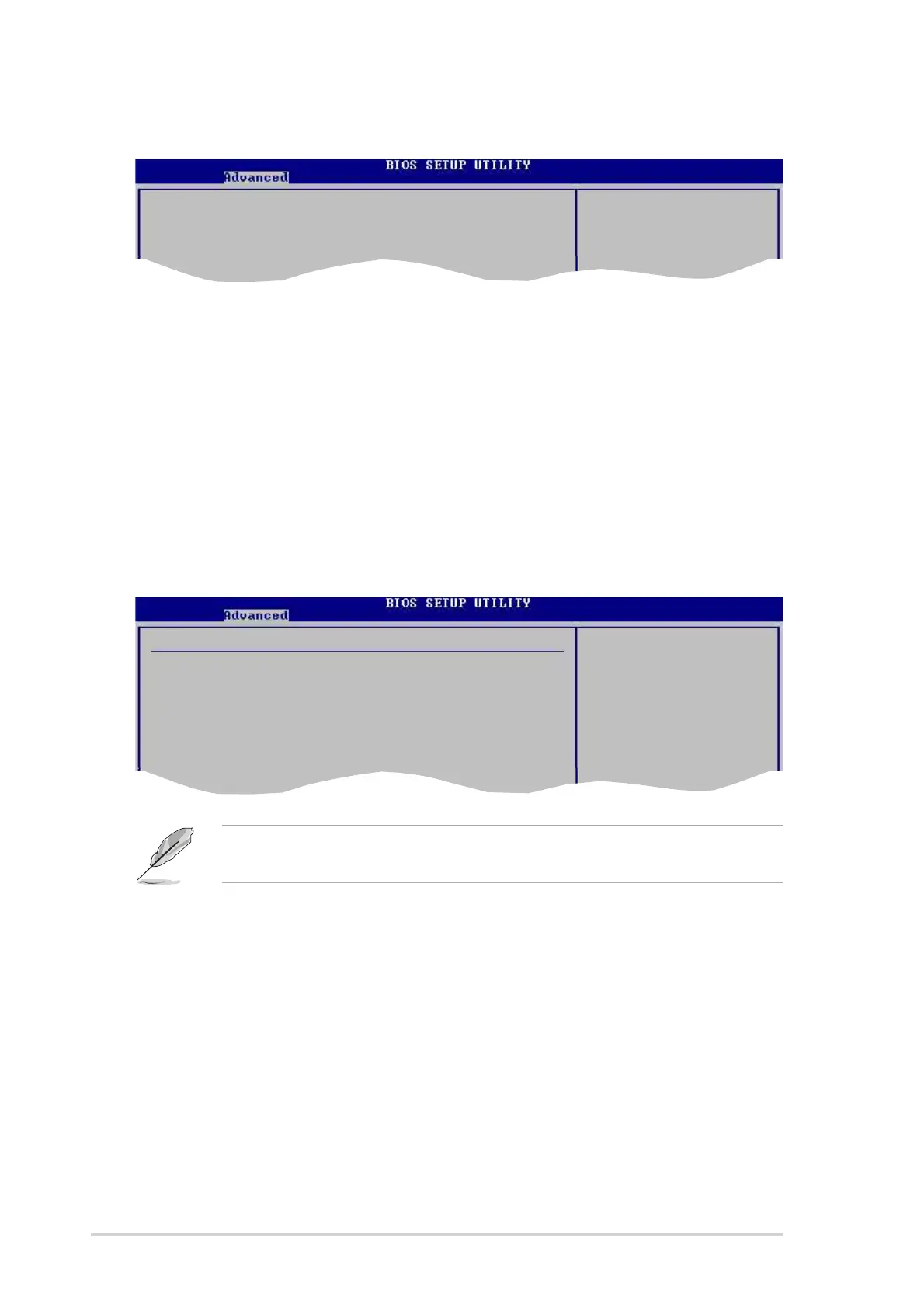
SouthBridge Configuration
MPS Revision [1.4]
Sets the MPS revision value. Configuration options: [1.1] [1.4]
PCI Delay Transaction [Disabled]
Enables or disables the PCI Delay transaction feature.
Configuration options: [Disabled] [Enabled]
MPS Revision [1.4]
PCI Delay Transaction [Disabled]
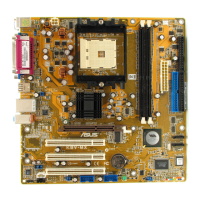
USB Configuration
The items in this menu allows you to change the USB-related features. Select an
item then press <Enter> to display the configuration options.
The Module Version and USB Devices Enabled items show the auto-detected
values. If no USB device is detected, the item shows None.
USB Configuration Enables USB
host controllers.
Module Version - 2.23.2-7.4
USB Devices Enabled: None
USB 1.1 Ports Configuration [USB 8 Ports]
USB 2.0 Controller [Enabled]
Legacy USB Support [Auto]
USB 2.0 Controller Mode [FullSpeed]
USB 1.1 Ports Configuration [USB 8 Ports]
Allows you to set the number of USB ports to activate.
Configuration options: [Disabled] [USB 2 Ports] [USB 4 Ports] [USB 6 Ports]
[USB 8 Ports]
USB 2.0 Controller [Enabled]
Allows you to enable or disable the USB 2.0 ports controller.
Configuration options: [Disabled] [Enabled]



 To Next Page