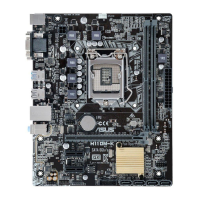
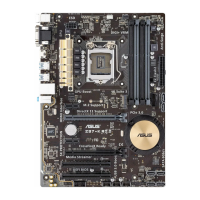
ASUS K8V motherboard
3-19
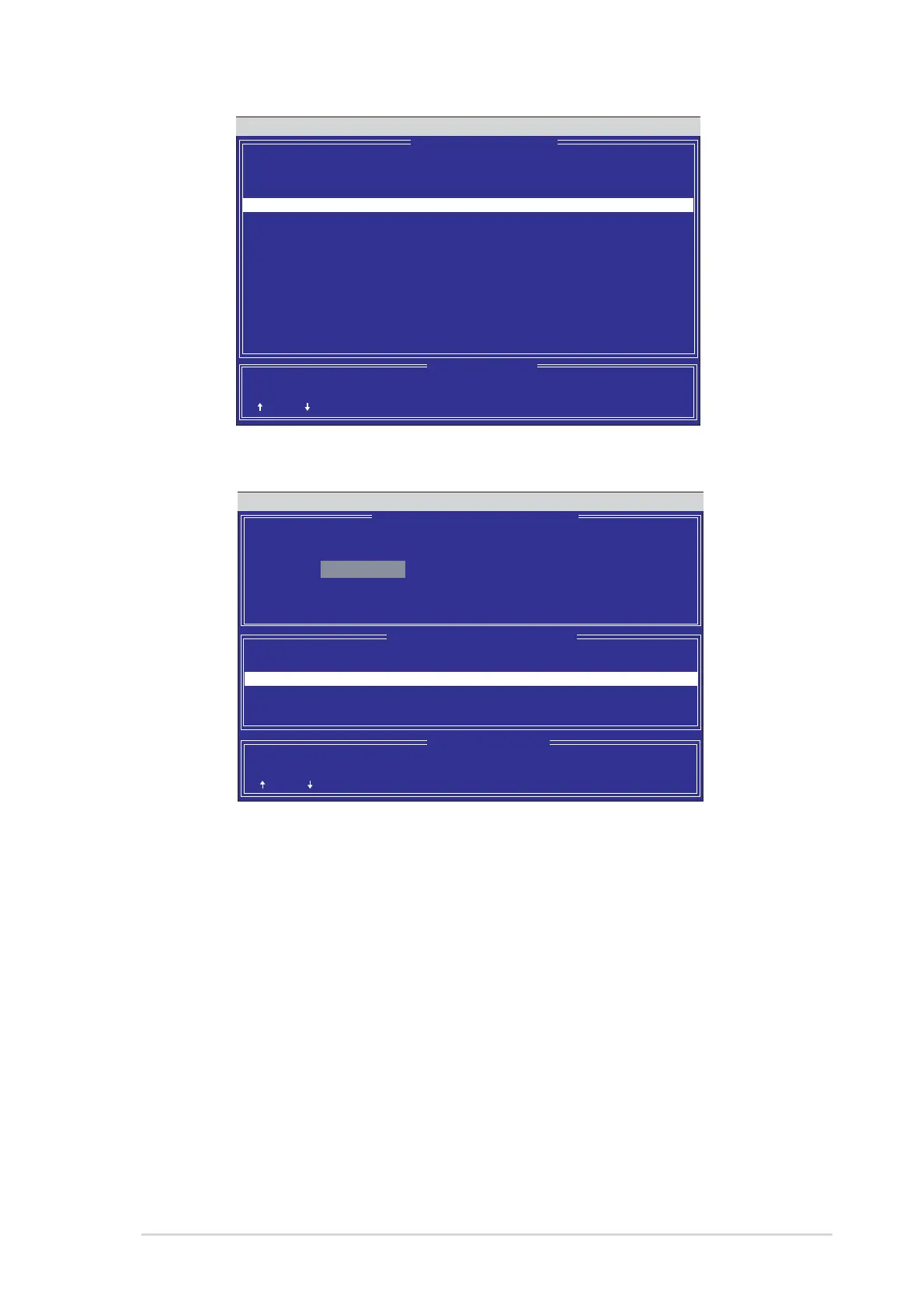
FastBuild (tm) Utility 2.00 (c) 2002-2005 Promise Technology, Inc.
[ Select Drive for Rebuild ]
[ View Array Definition Menu ]
Array No RAID Mode Total Drv Status
Array 1 Mirror/Stripe 4 Critical
Stripe Block: Not Available Gigabyte Boundary: ON
Channel: ID Drive Model Capacity (MB)
3:Mas FUJITSU MPD3043AT 4325
[ Keys Available ]
[ ] Up [ ] Down [ESC] Exit [Enter] Select
[ ] Up [ ] Down [ESC] Exit [Enter] Select
7. Select the replacement drive. Press <Enter>.
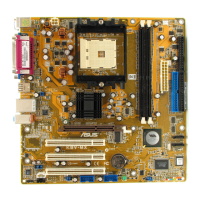
FastBuild (tm) Utility 2.00 (c) 2002-2005 Promise Technology, Inc.
[ Keys Available ]
[ ] Up [ ] Down [ESC] Exit [Enter] Select
[ Rebuild Array Menu ]
Array No RAID Mode Total Drv Capacity Status
Array 1 Mirror/Stripe 4 7999 Critical
Array 2 ----- ----- ----- -----
Array 3 ----- ----- ----- -----
Array 4 ----- ----- ----- -----
8. Confirm the command to copy data from the intact source hard disk onto a new
replacement hard disk. A progress gauge displays the copy progress for the
duration of the task.
9. After the rebuild process is complete, the user is prompted to reboot the
system.
Controller Configuration (6): This command shows the default for Controller
Configuration. The default value is [Enabled].



 To Next Page