22
2 Knowing the Parts
Front Side
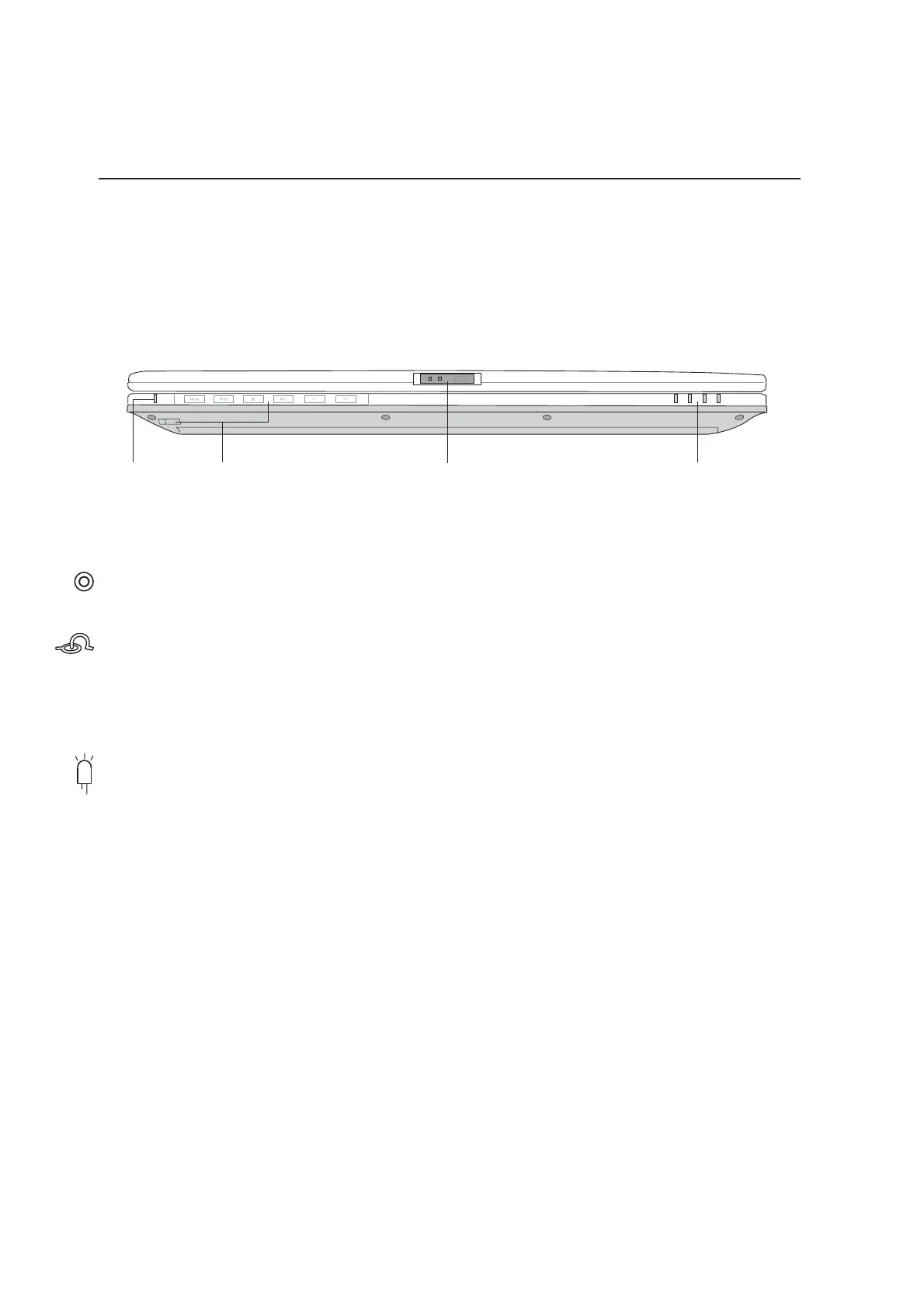
Refer to the diagram below to identify the components on the front side of the Notebook PC.
Multimedia Power LED and Control Buttons
(described in section 3)
Display Panel Latch
One spring-loaded latch on the front of the Notebook PC locks the display panel in the closed position
when the Notebook PC is not in use. To open the display panel, slide and release the latch with your
thumb and lift up the display panel with the same thumb. Slowly tilt the display panel forward or
backward to a comfortable viewing angle.
Status Indicators
Status indicator details are described in section 3.
Display Panel LatchCD Power LED Status IndicatorsCD Control Buttons









 To Next Page