58
A Appendix
K
WARNING! To prevent system failures,
use
(Safely Remove Hardware) on the
taskbar before disconnecting the USB
floppy disk drive. Eject the floppy disk
before transporting the Notebook PC to
prevent damage from shock.
USB Keyboard and Mouse (Optional)
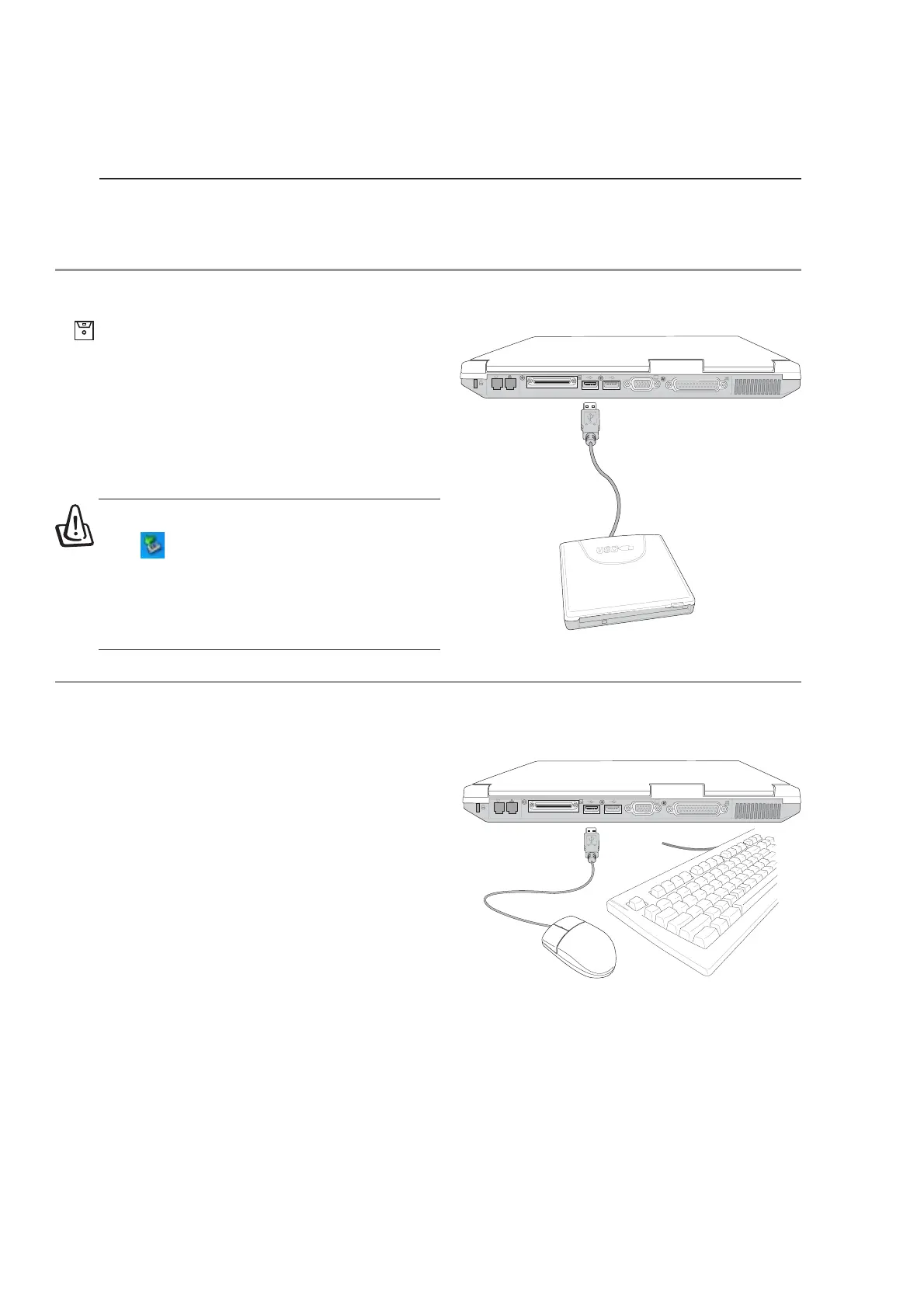
Attaching an external USB keyboard will allow
data entry to be more comfortable. Attaching an
external USB mouse will allow Windows naviga-
tion to be more comfortable. Both the external USB
keyboard and mouse will work simultaneously with
the Notebook PC’s built-in keyboard and touchpad.
K
Optional Accessories (Cont.)
These items, if desired, come as optional items to complement your Notebook PC.
USB Floppy Disk Drive (Optional)
The Notebook PC features an optional USB-inter-
face disk drive that accepts a standard 1.44MB (or
720KB) 3.5-inch floppy diskette. The eject button
is on the top edge of the floppy disk drive for easy
access, unlike desktop PCs with the eject button on
the bottom of the floppy disk drive. Floppy access
activity can be monitored through the LED on the
front of the floppy disk drive.









 To Next Page