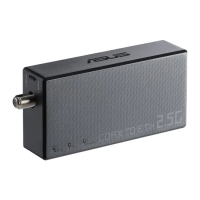
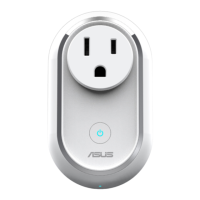
ZigBee LED indicator
Refer to the following table for details on the LED status
indicator:
Color Status Description
Solid Blue
Device powering on Lights up for 1 second
Disconnecting with
home gateway
Press and hold the
ZigBee button for 5
seconds
Identifying device Lights up for 5 seconds
Blinking Blue
Connecting with
home gateway
Press the ZigBee
button to connect with
home gateway
ZigBee button
Press to connect with home gateway. Press and hold for 5
seconds to reset the device.
NOTE: Ensure to reset your ASUS Smart Home
device and delete the device from the companion
app to remove it completely.
4


 To Next Page