Getting started
Connecting to your HG 100
1. Launch the ASUS SmartHome APP.
2. Tap on the main page of Home Control to add devices for the
home gateway.
3. Tap Add Device to join your ASUS SmartHome device to the
SmartHome Gateway.
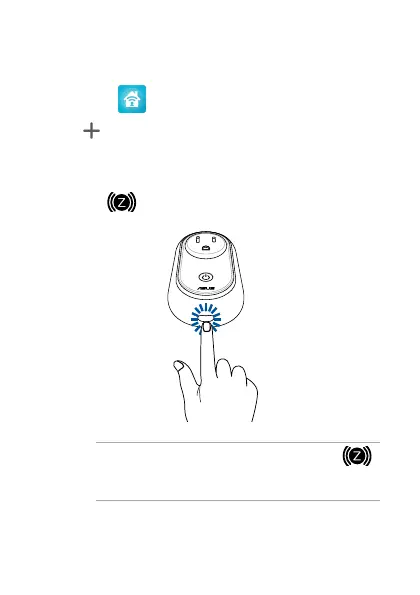
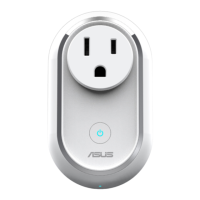
4. Press the ZigBee button on your ASUS Smart Home device
to add the device.
NOTE: After tapping Add Device, you can press the
ZigBee button on all your ASUS Smart Home devices to
add them all at once.
5. Tap Done once all the devices are added to complete.
6


 To Next Page