Notebook PC User Manual
47
Using the Instant Key
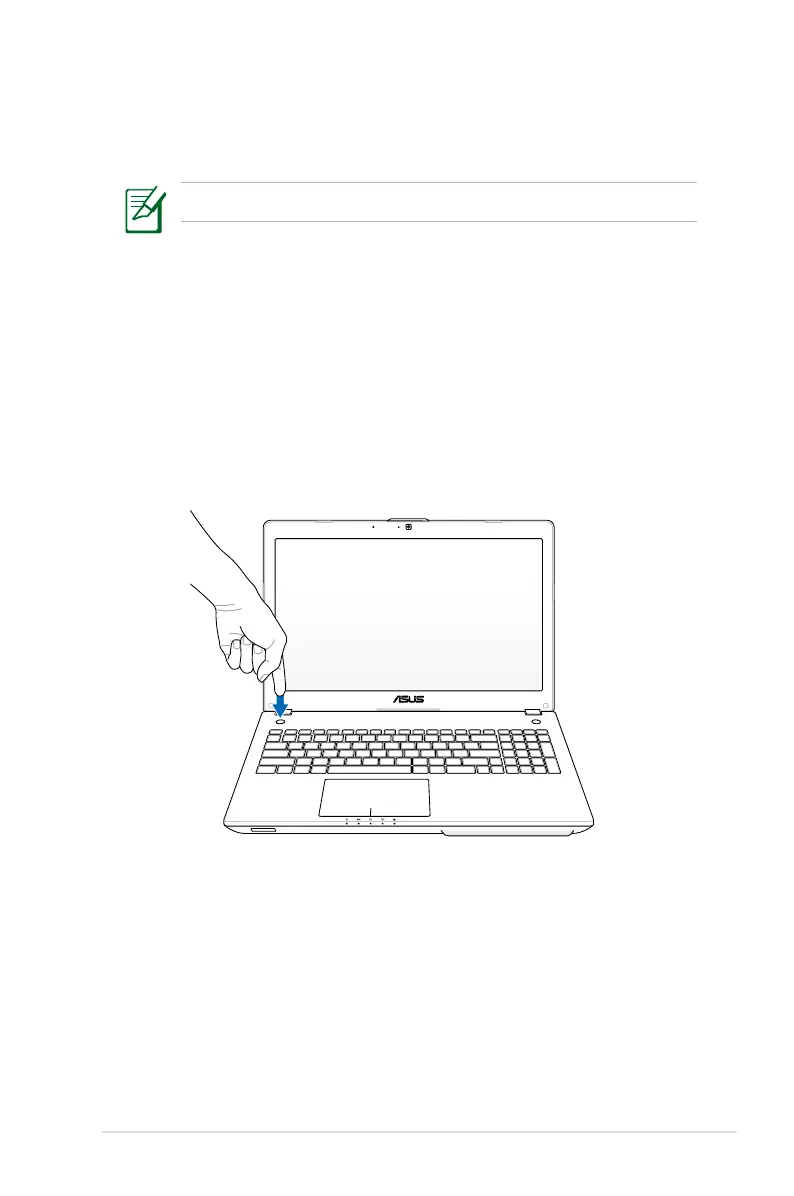
With the Instant Key, simply press the button to quickly activate your
preset Instant Key function.
You can configure one Instant Key function at a time.
Using the Instant Key for the first time
When you press the Instant Key for the first time, the Welcome
screen appears to help you configure the Instant Key’s functions.
To use the Instant Key for the first time:
1. Press the Instant Key at the opposite side of the power button.


 To Next Page