Notebook PC E-Manual
23
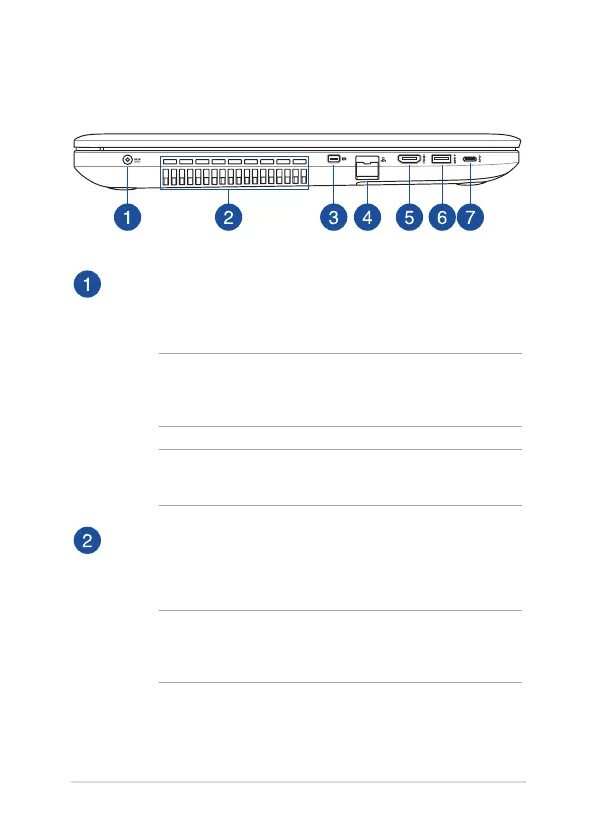
Left Side
Power (DC) input port
Insert the bundled power adapter into this port to charge the
battery pack and supply power to your Notebook PC.
WARNING! The adapter may become warm to hot while in use.
Do not cover the adapter and keep it away from your body while
it is connected to a power source.
IMPORTANT! Use only the bundled power adapter to charge the
battery pack and supply power to your Notebook PC.
Air vents
The air vents allow cool air to enter and warm air to exit the
Notebook PC.
WARNING! Ensure that paper, books, clothing, cables, or other
objects do not block any of the air vents or else overheating may
occur.



 To Next Page