Notebook PC E-Manual
35
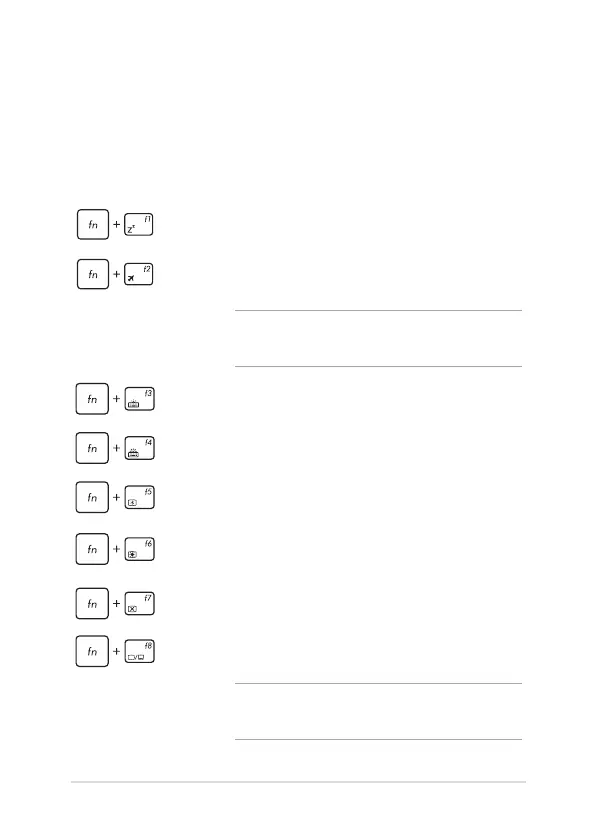
Function keys
The function keys on your Notebook PC’s keyboard can trigger the
following commands:
Using the keyboard
Puts the Notebook PC into Sleep mode
Turns Airplane mode on or o
NOTE: When enabled, the Airplane mode disables
all wireless connectivity.
Decreases brightness for the backlit keyboard
Increases brightness for the backlit keyboard
Decreases display brightness
Increases display brightness
Turns the display panel on or o
Toggles the display mode
NOTE: Ensure that the second display is connected
to your Notebook PC.



 To Next Page