12
Notebook PC User Manual
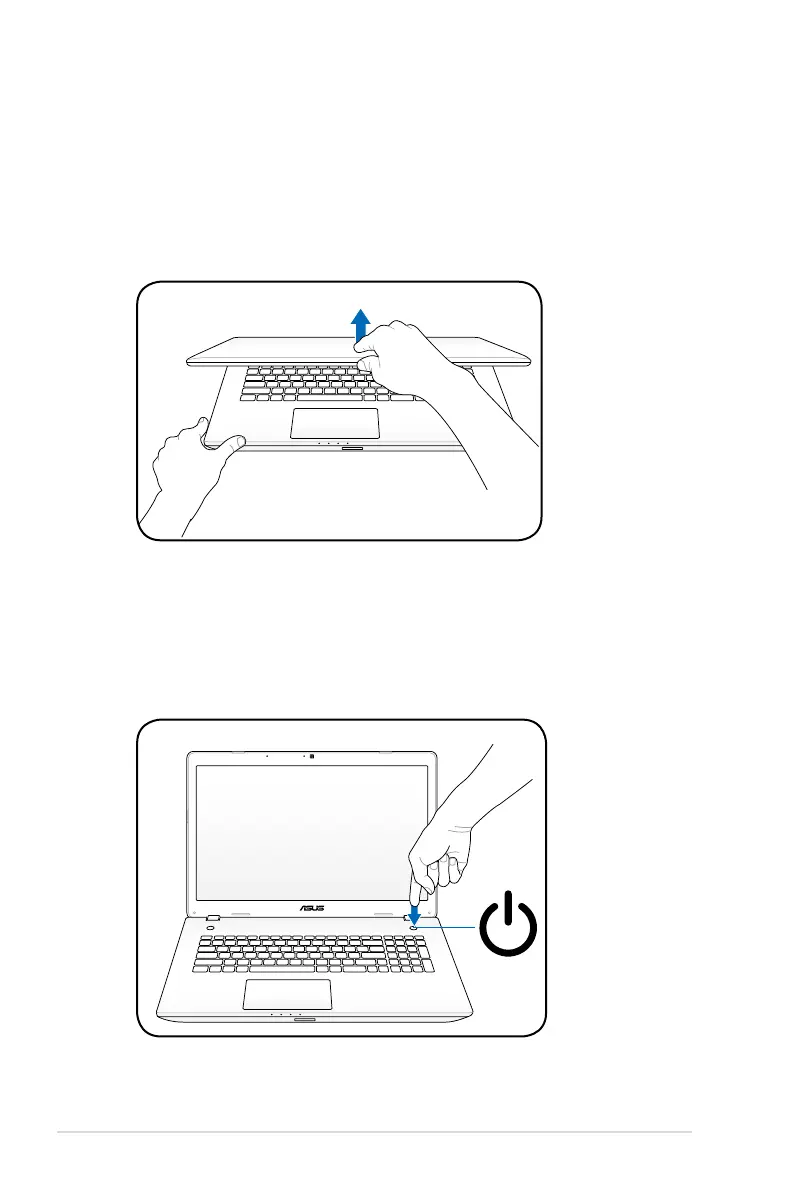
Opening the LCD display panel
1. Carefully lift up the display panel with your thumb.
2. Slowly tilt the display panel forward or backward to a
comfortable viewing angle.
Turning on the Power
1. Push and release the power button on the keyboard.
2. Use [Fn]+[F5] or [Fn]+[F6] to adjust the LCD brightness.



 To Next Page