Notebook PC User Manual
27
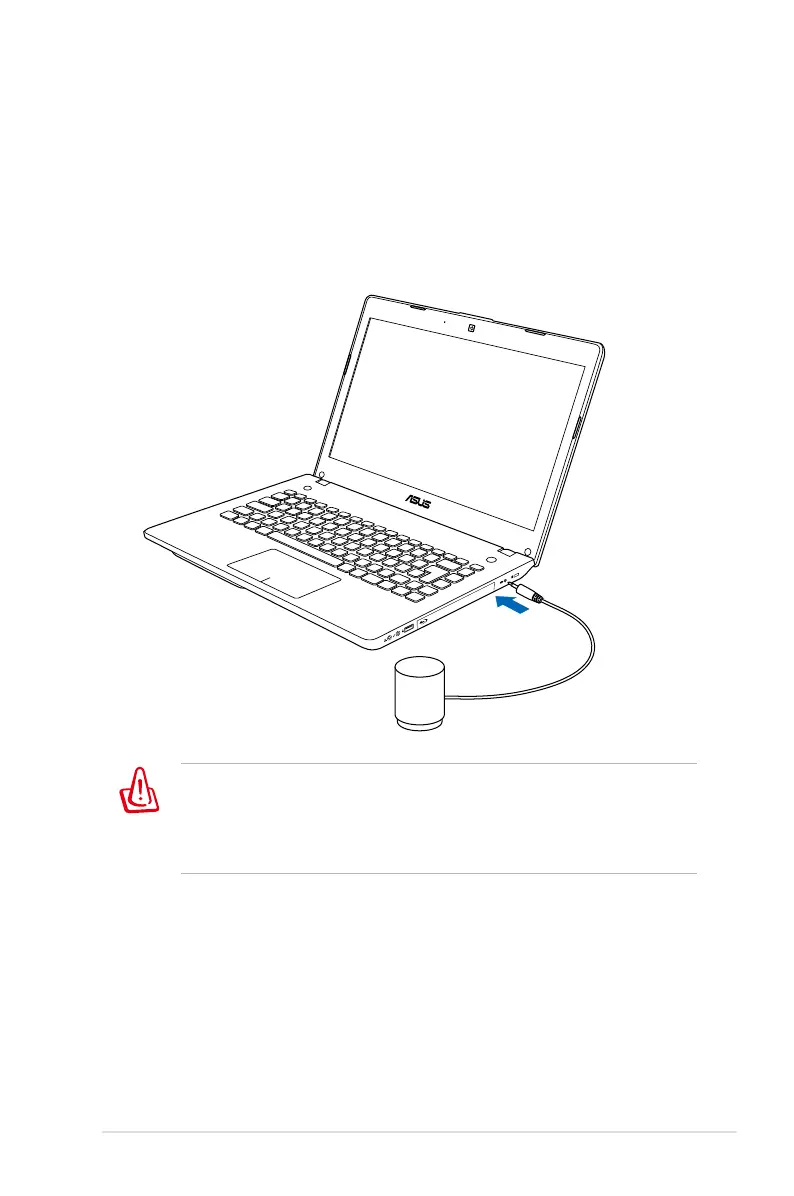
DO NOT force and connect this proprietary subwoofer to audio
jacks other than the designated subwoofer jack illustrated in the
user manual. Doing so may damage the subwoofer or the audio
jack.
Connecting Subwoofer (on selected
models)
The subwoofer that comes with your Notebook PC is in compact
size and easy to carry. Just connect the subwoofer to the designated
subwoofer jack on your Notebook PC and enjoy amazing bass
sounds in your multimedia applications.



 To Next Page